








About

My name is Ben Buchanan, and I made the stuff you're looking at on this site. Sometimes I write, sometimes I make music, sometimes I create art. Perhaps I might spend a week straight programming some tool or interface. Or maybe I'll spend far too much time ignoring this site and playing video games, Netrunner, and online riichi mahjong.

I also have a day job where I type on a keyboard and sit in a nice chair. Not every day is a creative one, and that's okay.

I hope you enjoy the stuff I make, or find something interesting on the site. Thanks for visiting, and be well.

Find Me Elsewhere

MahjongSoul Stats

See how bad I am at riichi mahjong

Enkanomiya Showcase

Judge my choice of main in Genshin Impact

NetrunnerDB Profile

Ponder my published Netrunner decks

Genius Loci

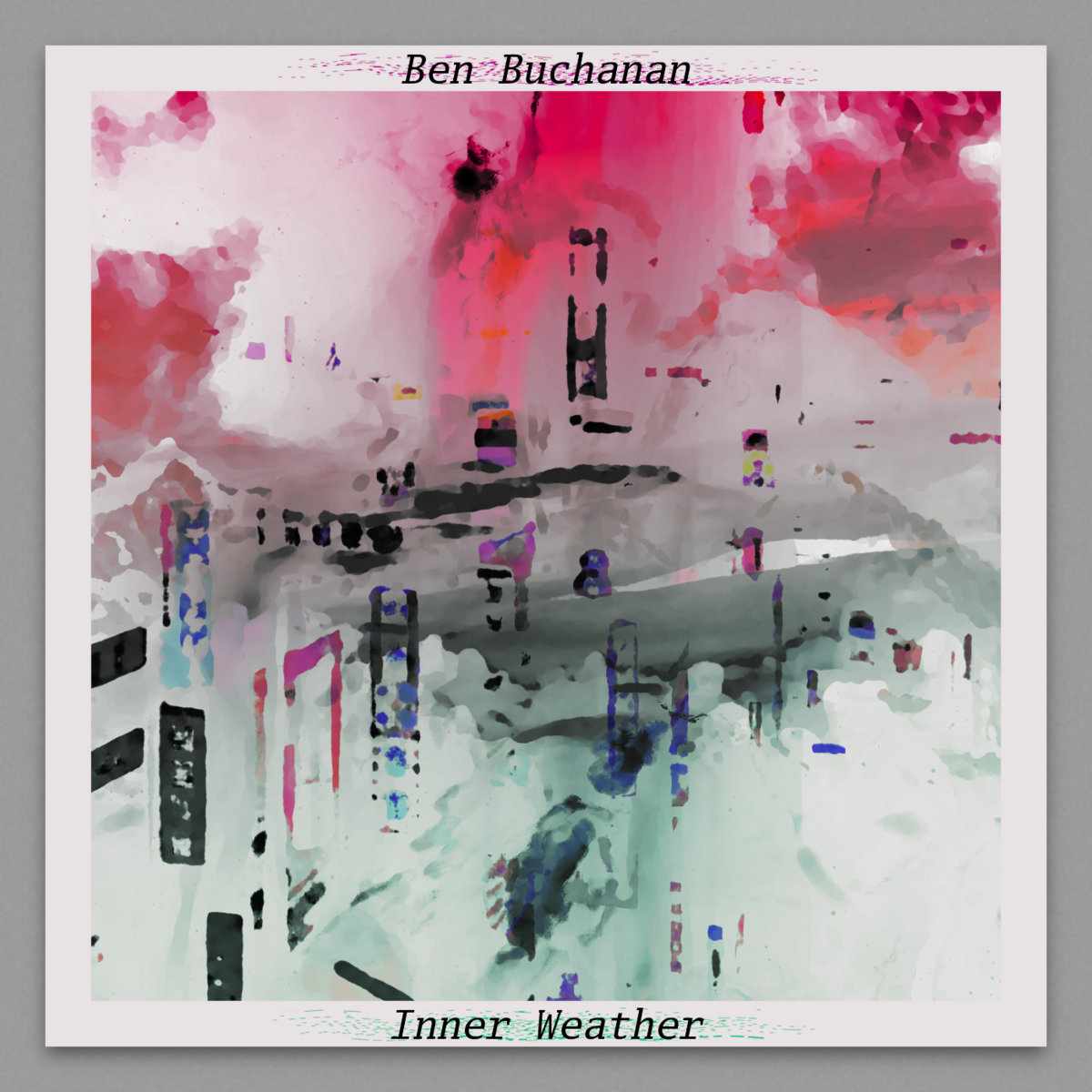
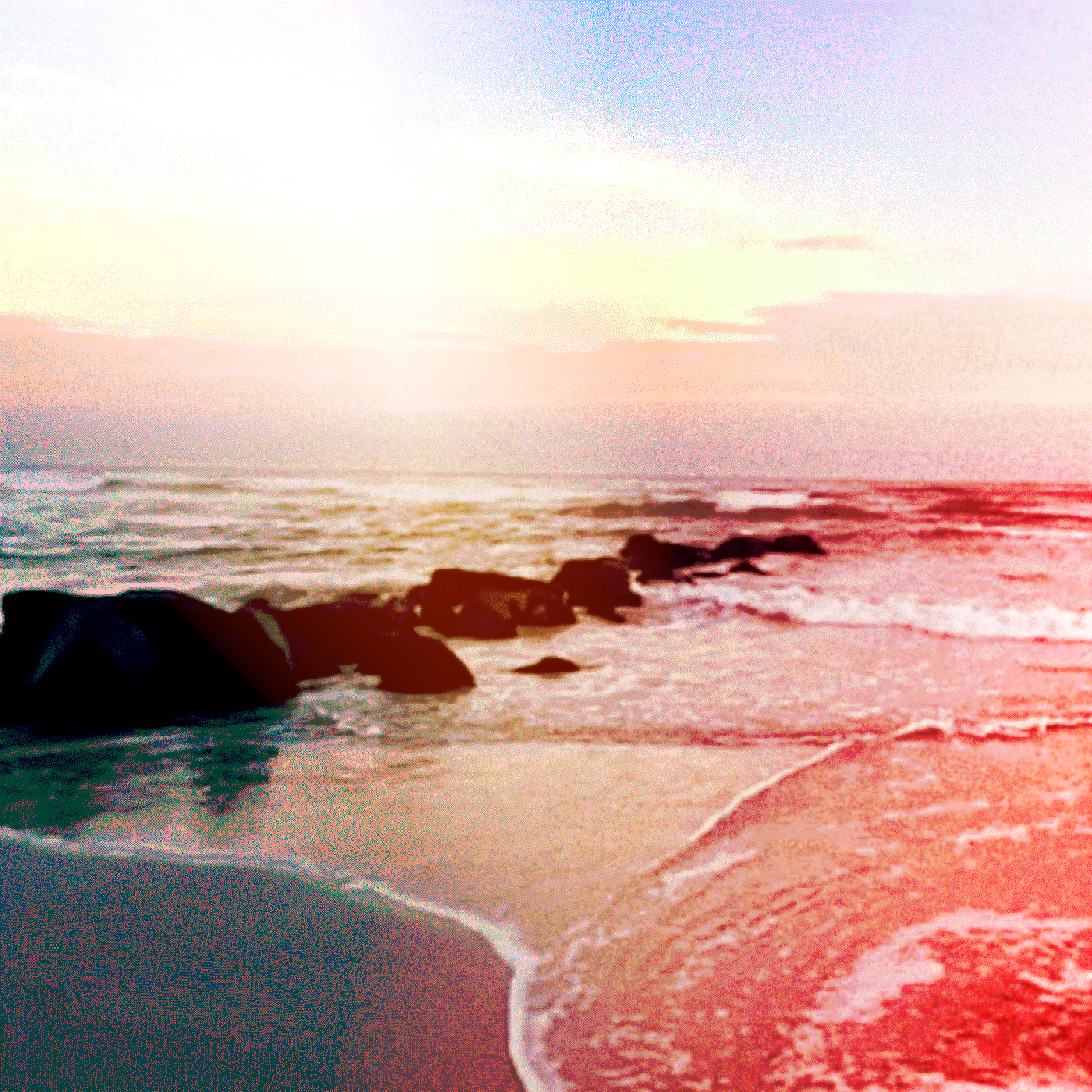
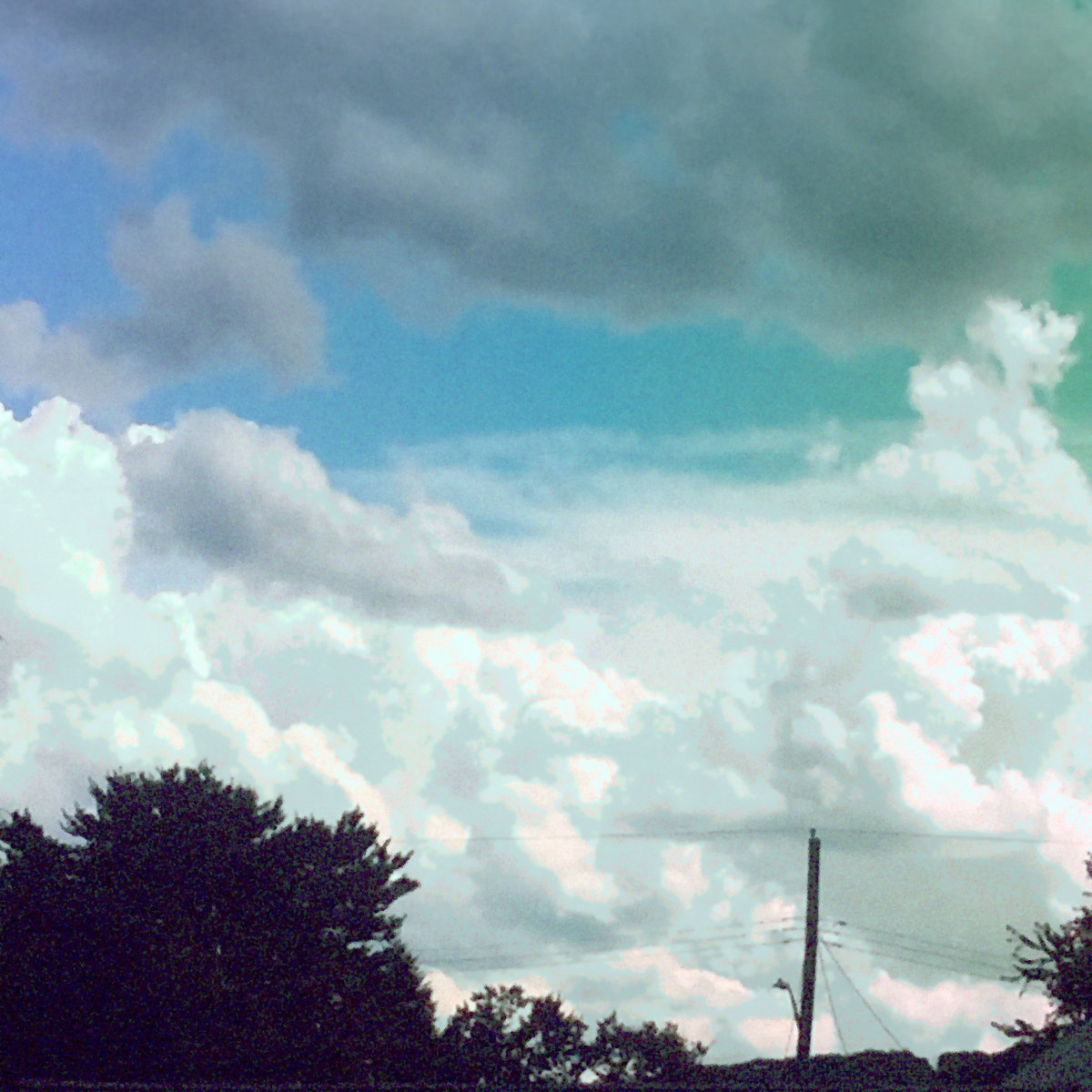
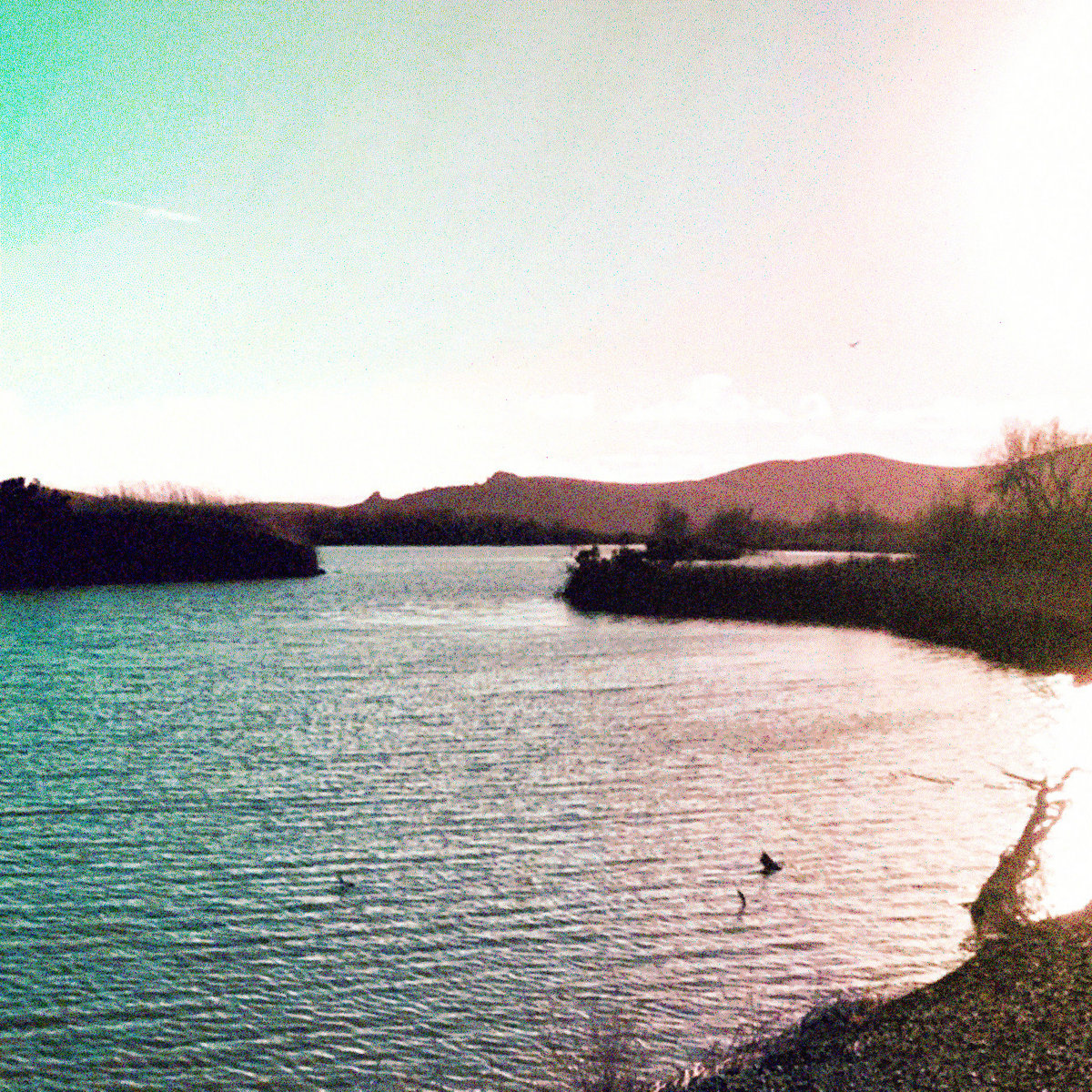
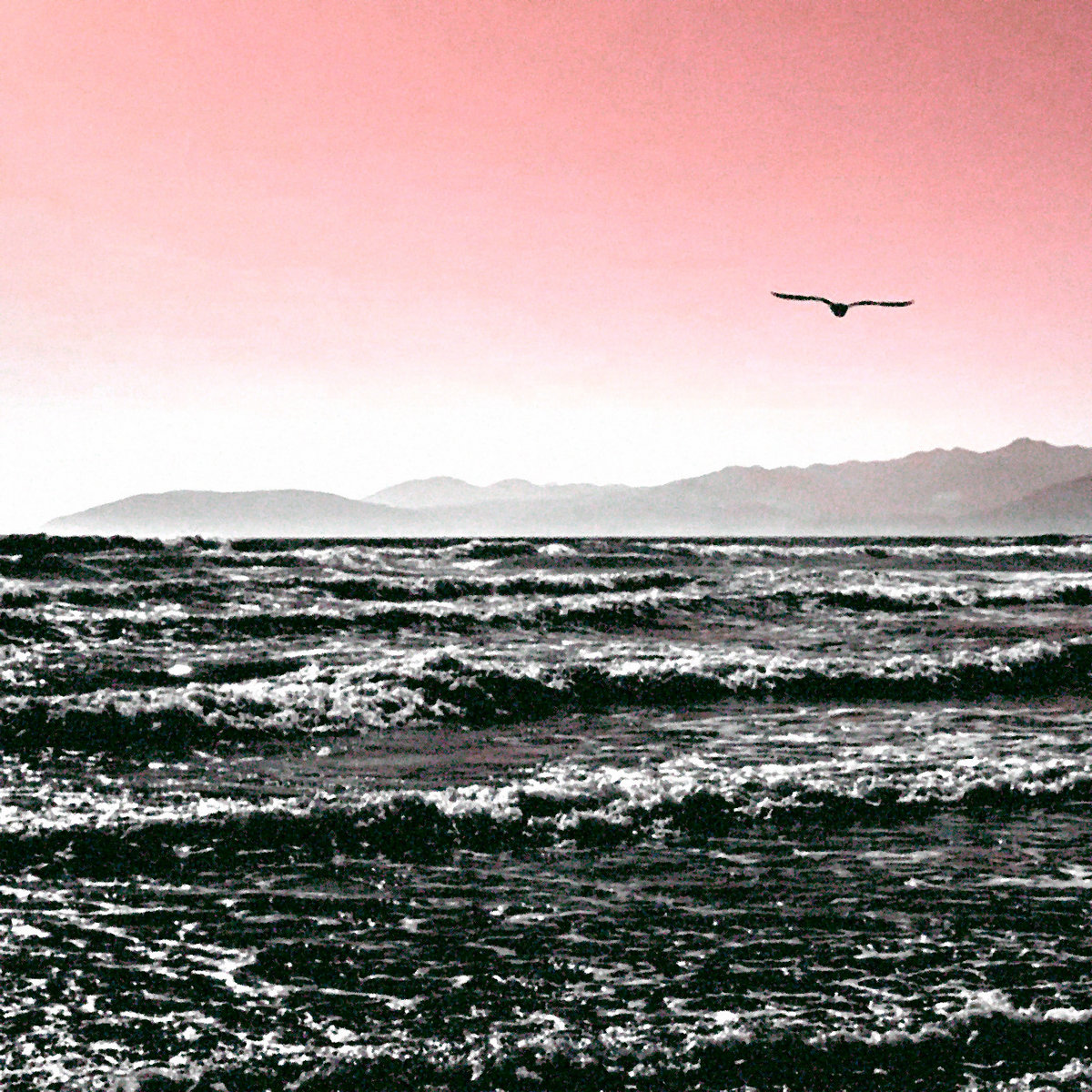
Genius Loci is a term that refers to the "spirit of a place". In modern Western interpretation, the atmosphere of a location. These nine pieces reflect various spirits or atmospheres created through the layering and compounding of simple images. Most are wallpapers, or other color-rich images manipulated until they emulated a foggy, watercolor-esque texture. A slew of pictures I grabbed from the Internet, or have used as desktop wallpapers in the past. Each piece has an ethereal feel, swimming in colors and shapes, drawing the viewer's eyes throughout with strange pseudo-perspective.

These are places that exist all at once and not at all. Everywhere you are and aren't, and nowhere you know or have never heard of. These places are silly little reflections of many lives and no one to live them. I hope you enjoy them.

Artwork

Thousand Wishes of Rain

Digital art made alongside my album of the same name

Illogical Sketches

Pen and paper sketches made for 'Drift Illogical'

Genius Loci

Digital artwork made alongside 'Inner Weather'

Illogical Sketches

Illogical Sketches is a small collection of physical sketches I made while putting together the manuscript for my third volume of poetry, 'Drift Illogical'. The sketches are pen/pencil on watercolor paper, and were made with the aid of a ruler for straight lines and edges.

Rather than trying to experiment with color or digital manipulation in order to evoke any particular feeling, I let my quarantine-addled imagination conjure up whatever aimless and illogical things it wanted to. The results were particularly geometric, sometimes unsettling, sometimes beautiful.

These pieces were eventually included as artwork in the final published version of 'Drift Illogical'.

Thousand Wishes of Rain

Thousand Wishes of Rain was created during the recording of my album of the same name. It uses many of the same techniques that I used for my other collection, Genius Loci, but this time favors more noise and use of color as a mix of acrylic/watercolor textures. The images are inspired by nature, personal growth, and the falling rain.

Not much else to say, really. There isn't some artistic shtick or narrative here. Just some ideas inspired by my music and the world around me, put into shapes and colors.

Blog

I Wrote My Own Static Site Generator in Bash

Posted on 2025/12/31

Finding Good Music

Posted on 2025/12/13

Fiddling with a Home Server

Posted on 2024/12/28

A Return to Digital Gardening

Posted on 2024/08/04

Saying Less

Posted on 2024/07/29

Coding

dotfiles

Configuration files and custom scripts, written mostly in Bash

totem

A script for building a one-file static website, written in Bash

kiln

An id3 tag utility for the command line, written in Rust

horizon

A TUI controller for Lyrion Music Server, written in Python

lyra

A TUI app for viewing Lyrion Music Server playback, written in Rust

kadai

A TUI kanban-style task tracker, written in Rust

silica

A sand timer for the terminal, written in Rust

midna

An item tracker for Twilight Princess Randomizer, written in Python

magellan

A universe generator and map renderer for Traveller, written in Python

escher

A random deck generator for Netrunner, written in Python

scintilator

A pretty ASCII light show for the terminal, written in C++

Colophon

Hosting

This site is hosted on GitHub Pages, though I am not in love with this fact. I am currently looking into going self-hosted; time will tell if that ever becomes a reality.

One fun and interesting benefit(?) of hosting my site in a public GitHub repo is that previous versions of Lexica Chromatica (of which there are many) can all be browsed by going back in the commit history and building the site.

Site Construction

Once upon a time this site was built with Jekyll, but for reasons that I expound upon in this blog post , it is now built with totem, a custom static site generator written in pure bash, and created by yours truly.

Lexica Chromatica (the current iteration of it, at least) features no JavaScript. Everything you see is handwritten HTML and CSS, barring the minimal amount of pseudo-templating I employ as part of using totem.

Even the fact that this site functions like a single-page application is implemented with CSS. It is this implementation that relies on the odd URL structure utilizing hashes ("#") instead of slashes ("/") for the initial page routes.

Tools Used

Why?

I like to use small tools. I like to move slowly. I like to tend my garden.

I don't like overstuffed, unnecessary software. I don't like the rushed mentality of "move fast and break things". I don't like to subject visitors to the ugliness of the modern web.

I made this small site with my bare hands. I've taken my time to think through design changes, site iterations, user experience, and I'm certain there is still more to do. I do not track you, or run any analytics beyond what GitHub Pages does, which as far as I know is out of my control (again, I'd like to move away from this hosting solution in the future). I don't run ads. I don't slather shiny dopamine buttons all over the place. I've planted seeds here that I hope passersby will one day admire as flowers.

I did this for you, as much as I did this for me. I hope I am not too selfish in this.

Home

Lexica Chromatica is a repository of ideas, notes, links, arrows, paths, dreams, words, sounds, letters, landscapes, and columns of arbitrary text. It is where I sleep, and where I sometimes stir the waters.

Things I Do Here

I write about and show off creative projects that I work on, or whatever strikes my fancy. You can read musings on various topics on my Blog, look through my Coding projects, listen to my Music, read my Writing, peruse my Artwork, or learn more About me.

Want an RSS feed? Click Here

Things For You To Look At

Here are some links that I won't explain. Follow them; be curious.

Roads For You To Follow

NOTE: Ring membership has not been finalized in all cases.

Looking for slash pages? There are none, except there are. You'll have to hash it out on your own.

Log

The format and intention of this page is inspired by the logs of Brian Crabtree.

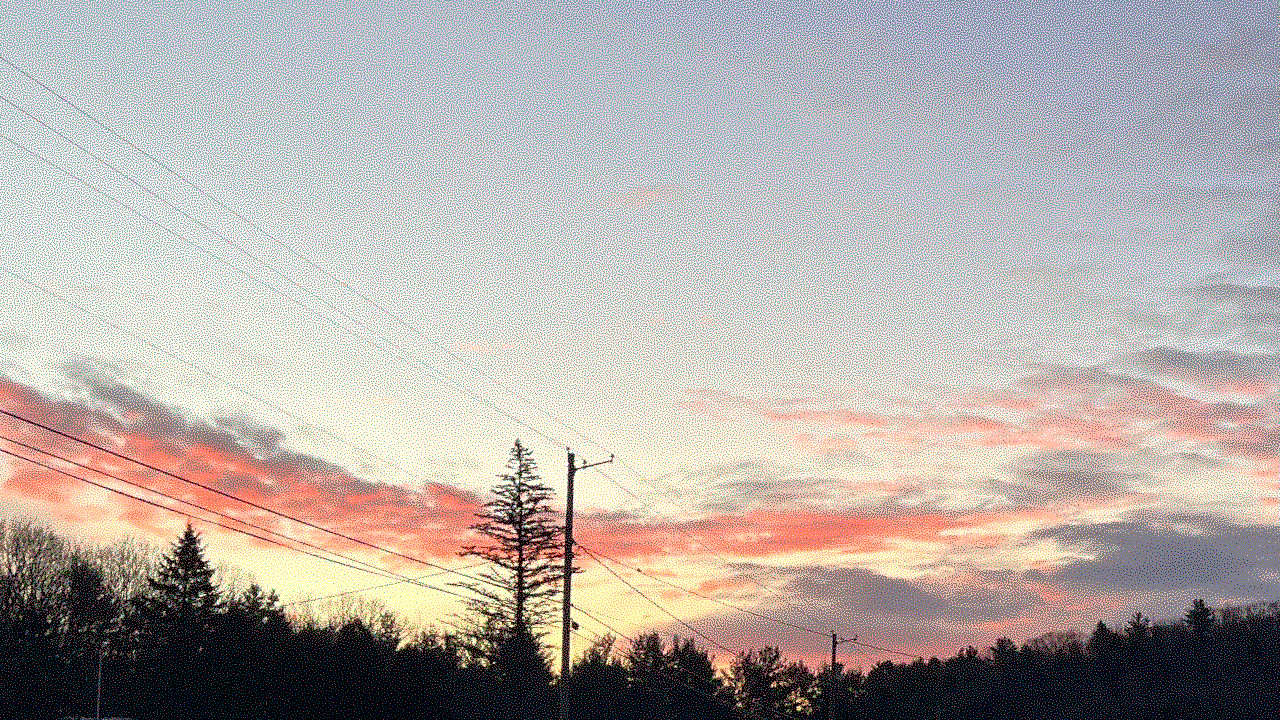
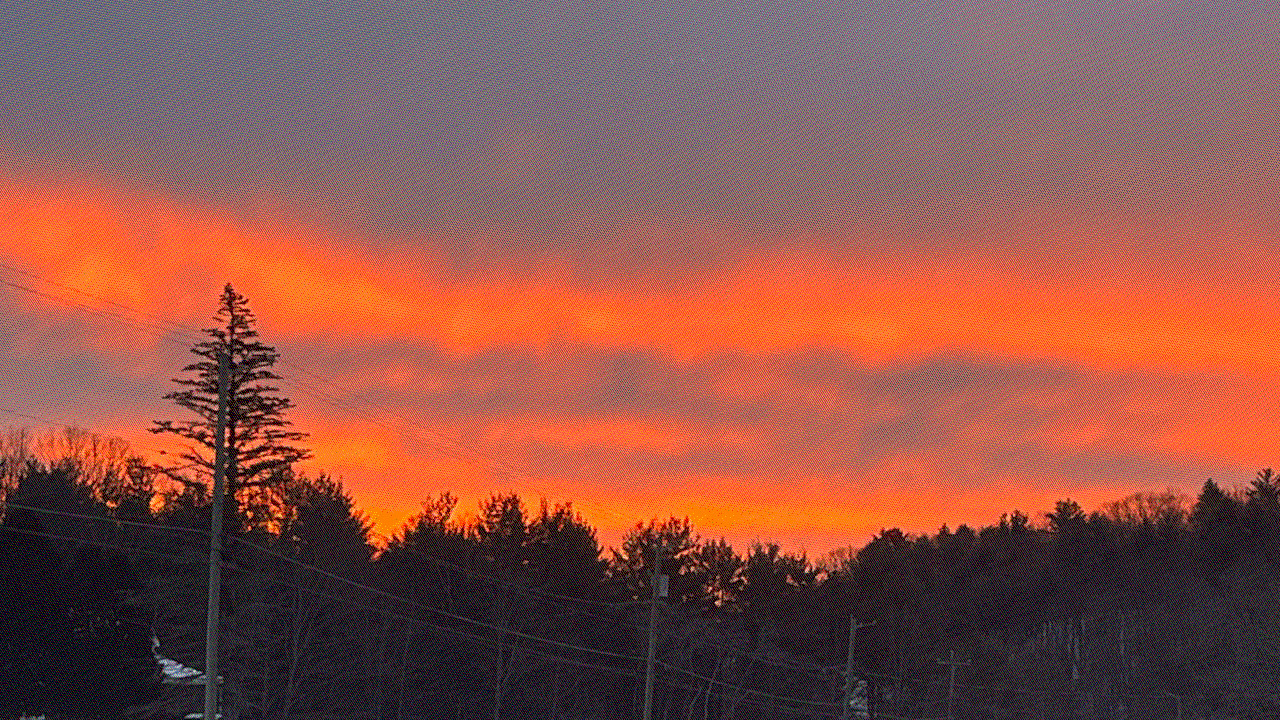
26.01.23

Morning

No. 230

"Turning sleeper cries
Child
I'm splitting 'child' into 2 syllables here: 'chai' / 'old'. form, folded paper
Fetal shape of shame
In late January gray,
Thought I heard a talking jay"

No. 234

"How many more, then?
Trees may grow beneath the rime
The rose red morning
Cools to copper coals and soot
I reflect through window frames"

Evening

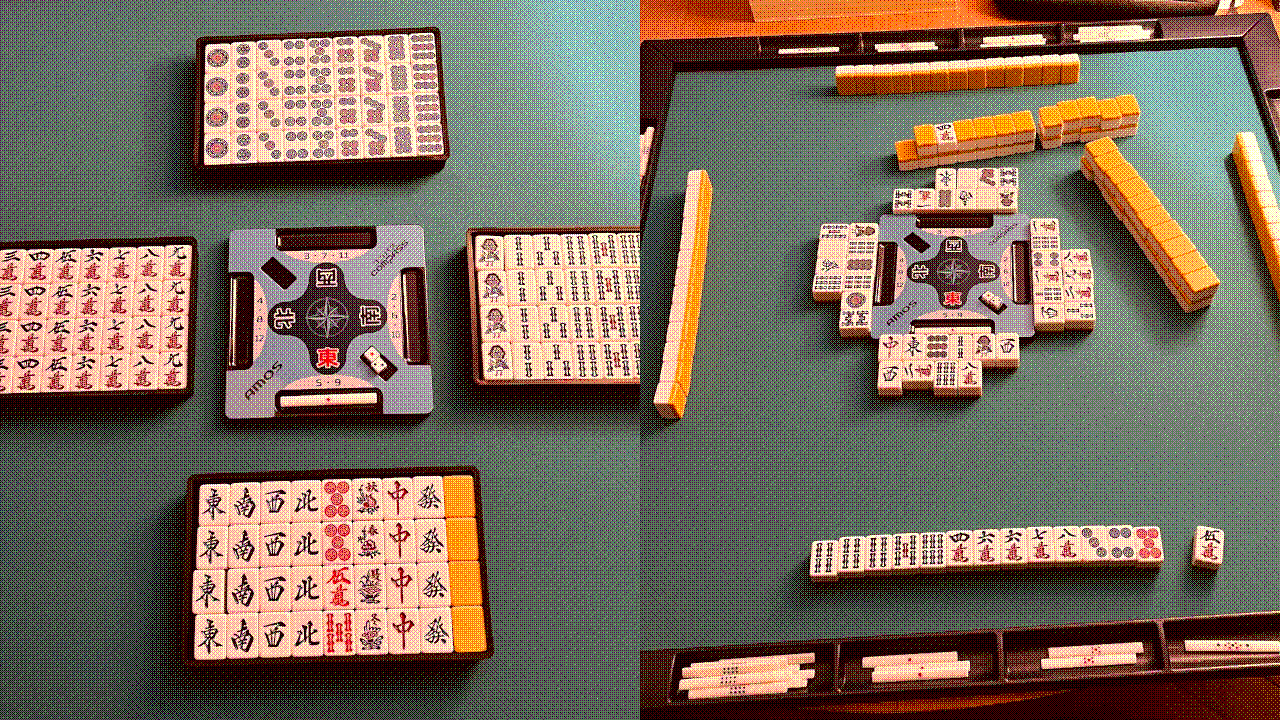
If you build it, they will come, or whatever. Excited to finally have a physical riichi set. The exact set pictured above is the Taiyo Giken set which contains an AMOS Junk Mat, Compass, and PRIME GEAR set of tiles/point sticks. Find it here . Be advised that this is imported from Japan, so shipping to the US is a bitch, nearly doubled the price. Still, this is a quality set if you're looking to get started with playing in-person. Shout out to AMOS.

26.01.18 - Perhaps, Perhaps, Perhaps

Spending time putting together materials pertaining to a non-existent riichi mahjong club. A bit like playing with toys; playing with HTML/CSS building a club website, playing with LaTeX typesetting a small learn-to-play booklet. These are familiar things. Perhaps just a way to escape the reality of building a community.

I'd like to foster a community around this. I don't know if I have the skills necessary to do that. Often times I'm much more comfortable being a follower than a leader. Perhaps if I had someone else to lead with me.

Alas, nobody else plays the game around here. I want to change that.

26.01.12 - Arcs and Wires

No. 225

"Winter is a wheel
Before the morning closes
Copper light falling
Stones are sleeping in a creek
I've heard this dreaming before"

26.01.08 - A Law of Programming

A reminder from today's day at work.

There are only 2 types of problems in programming:

  1. Easy problems that turn out to be difficult.
  2. Difficult problems that turn out to be easy.

26.01.06 - Rings

Remember when I talked about joining some webrings? Well, over a year later, that's now a reality. Links are on the homepage.

26.01.05 - Morning Streams

26.01.03 - 227/???

Since publishing Even If I Am Ash , I've written nothing but the occasional tanka. At time of writing this log, I've written 227 tankas, all without titles. I simply number them in order. I'm not sure why; perhaps I don't want to give them any particular meaning. Having recently replayed the incredible Riven, I'm reminded of how Gehn numbered his Ages in much the same way, never giving them proper names. I hope that my habit of numbering the tankas does not come off as calloused and egotistical as Atrus' father. I'd rather let the 5-7-5-7-7 speak for itself.

Here's a handful I randomly picked from the collection that I still enjoy after much time has passed since they were written.

No. 49

"Sky opens silver
Clouds become and spread away
Flood of dragonflies
I do believe the summer
Stories, soft and saccharine"

No. 18

"Late June slow wind breathes
In, as if to say, "Stand still"
And I, like a child,
Walk concentric circles of
Wonder, bare tautologies"

No. 163

"In a distant view
Amberlight believers roll
Over the mountains
Slowly growing dark and old,
They leave their rain as children"

No. 150

"Remember forget
Passing in season circles
Weeds grow and yellow
Remember your smiling face
Forget why you came; you're here"

26.01.02 - Truth

In writing my fantasy novel, a part of me was worried that if I did not go out of my way to write something geared toward adult readers, my writing would devolve into a childrens book. So what? There is no real supremacy of adult fiction to that meant for children; that is a silly concept best kept to a silly people.

This quote from Ursula K. Le Guin's 1974 essay "Why are Americans Afraid of Dragons?" is one that stood out to me, and helped me re-align my thoughts on why I write.

"For fantasy is true, of course. It isn't factual, but it is true. Children know that. Adults know it too, and that is precisely why many of them are afraid of fantasy. They know that its truth challenges, even threatens, all that is false, all that is phony, unnecessary, and trivial in the life they have let themselves be forced into living. They are afraid of dragons, because they are afraid of freedom."

I was so focused on creating a fantasy world that was "real", "adult", and "reflective" of the world around me, that I neglected the importance of reflecting the world within myself just as much. I find it odd that I was not already thinking in this way, as my music has been created with this philosophy for years. The title of my album "Inner Weather" is even an explicit reference to this habit of reflecting my inner state of being in the art I create. When making a note of this shift in my thinking, I summed it up like this:

"In writing a fantasy world, the things that, in our world, are hidden beneath some layer of understanding, become raised up to the surface. When we make a world stranger, more fantastical, more unreal, we paradoxically make it a truer world than our own."

My book will not be intended for children; it will not be intended for anyone, I've decided. I will simply write the story that wishes to be written. In this, I will find the truth of my work, and let that truth impart its own meaning, which is not for me, as the author, to decide.

25.12.29 - Rituals

At the end of every year, after I've put together my annual lists of my favorite records of the year and my top 100 albums of all time, I like to spend the final days before New Years listening to some of those records.

I like to be intentional about these listening sessions, doing nothing but sitting in the room and letting the music wash over me. I like to use any physical copies of the album that I own, if any, be they tapes, CDs, or vinyl records. Typically I will listen to 2 albums per day in this manner; first, a top 10 album from this year, then a top 10 album of all time. I like to count down from 10 in this way, ending the year with my AOTY and my favorite album ever.

Perhaps some people might find this little ritual a bit silly. I like it. It gives me a deeper appreciation for the collection of music I've curated over years, and gives me an excuse to intentionally sit still and let my mind take a break from whatever it was doing all day.

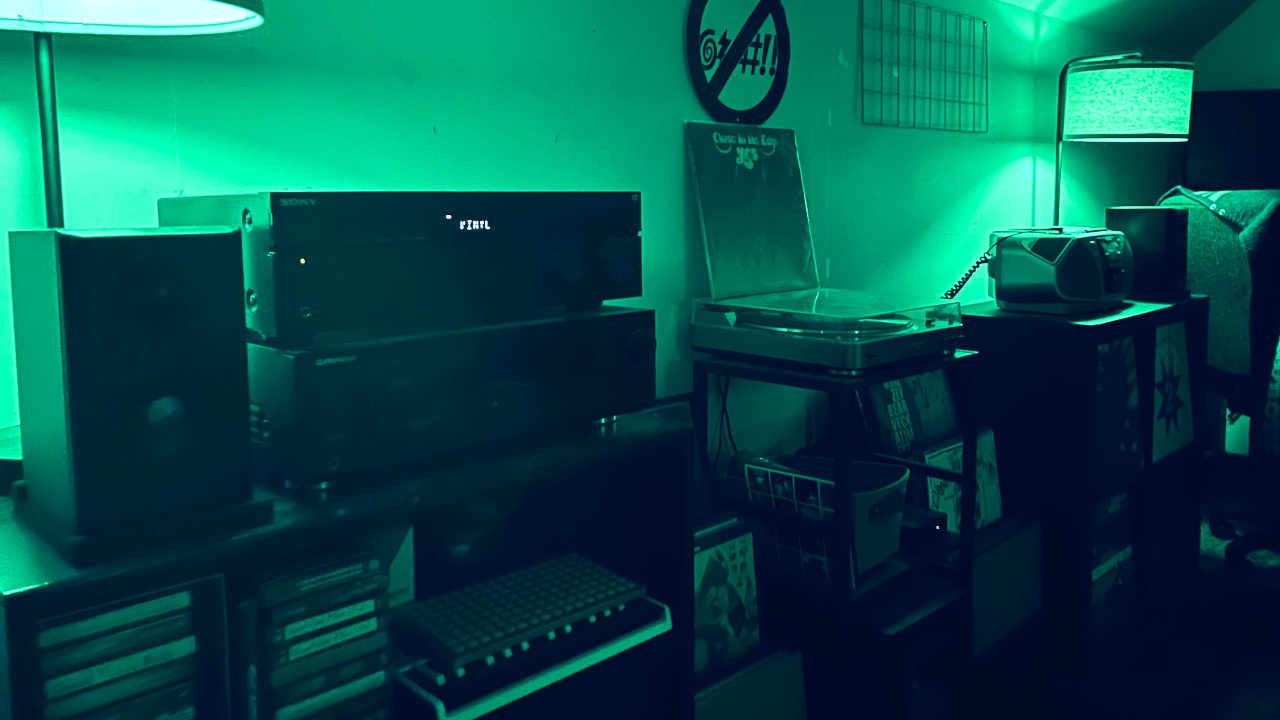
Tonight, you've caught me in the image above listening to Close to the Edge by Yes. Tomorrow I finish this year's listening sessions, and then on into 2026.

25.12.28 - Digital Gardening, Revisited

Digital gardening is not just a practice of pruning (deleting, reorganizing, culling, etc), but is also a practice of cultivating (growing, shaping, weaving, etc). It is both of these things at once.

25.12.26 - Slash Pages

If you're reading this, it means you've discovered the existence of at least one of my slash pages. Or maybe it would be more approriate to call them "hash pages"? There are more. Now that you've seen one, perhaps try finding others.

Ben Buchanan

The music I make under my own name can be a calm electronic ambient soundscape, an experimental warping of samples, an abrasive drone of noise and discordant voices, and more. It's whatever I feel like making. Most material is composed and recorded in VCV Rack, with a focus on generative composition, improvised performance, and modular synth soundplay.

Official releases can be found on my Bandcamp, but I also post videos to my YouTube channel, whether they be live patch performances, Teletype scene overviews, audio visualizers, and plenty more you won't find on my Bandcamp.

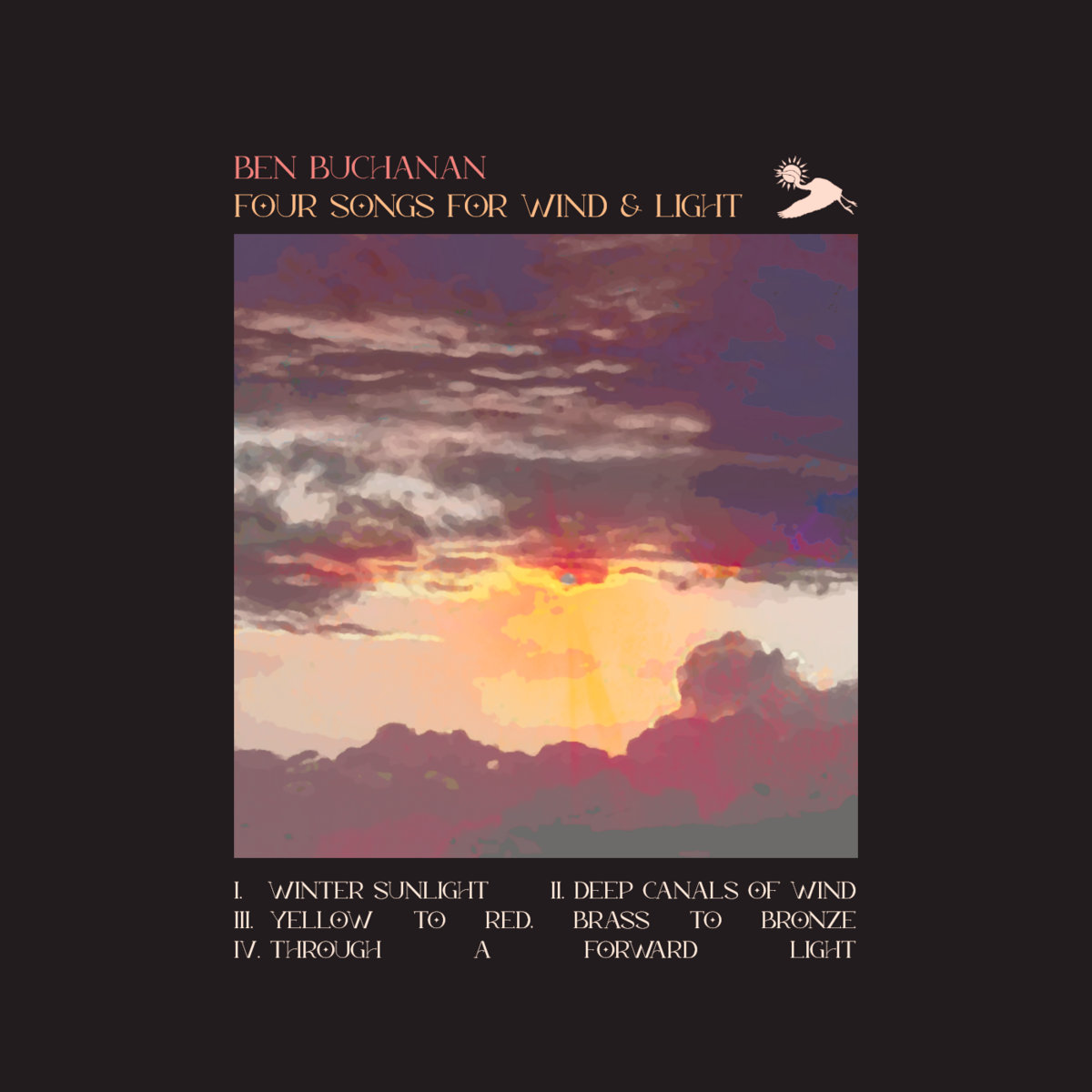
Four Songs For Wind & Light

Released December 5, 2024

A four track collection of material that evokes the wind and light of winter, as well as the passage of time.

Listen on Bandcamp
# Track
1 Winter Sunlight
2 Deep Canals of Wind
3 Yellow to Red, Brass to Bronze
4 Through a Forward Light

Thousand Wishes of Rain

Released July 27, 2023

A double-LP that recalls the interactive, improvised recording process of 'Inner Weather' and uses it to craft a suite of rain-soaked drone, synth, and piano passages.

Listen on Bandcamp
# Track
1-1 Time Slathered in Textures
1-2 Interlude (Momentary Patience)
1-3 Leaking the Dust of Their Mothers
1-4 Interlude (Saturated Heart)
1-5 Hatching Song
1-6 A Thought of a Love Thick as Light
1-7 Interlude (Thousand Wishes of Rain)
1-8 Endless Remembering
2-1 Twisting Spirals of Tongues Laced With Leaves
2-2 Interlude (Thrumming Clouds)
2-3 Dandelion Sky
2-4 Melt My Slow Forgetting
2-5 Interlude (Ancient Joy Returns)
2-6 Resolve / Fragility
2-7 In My Ether

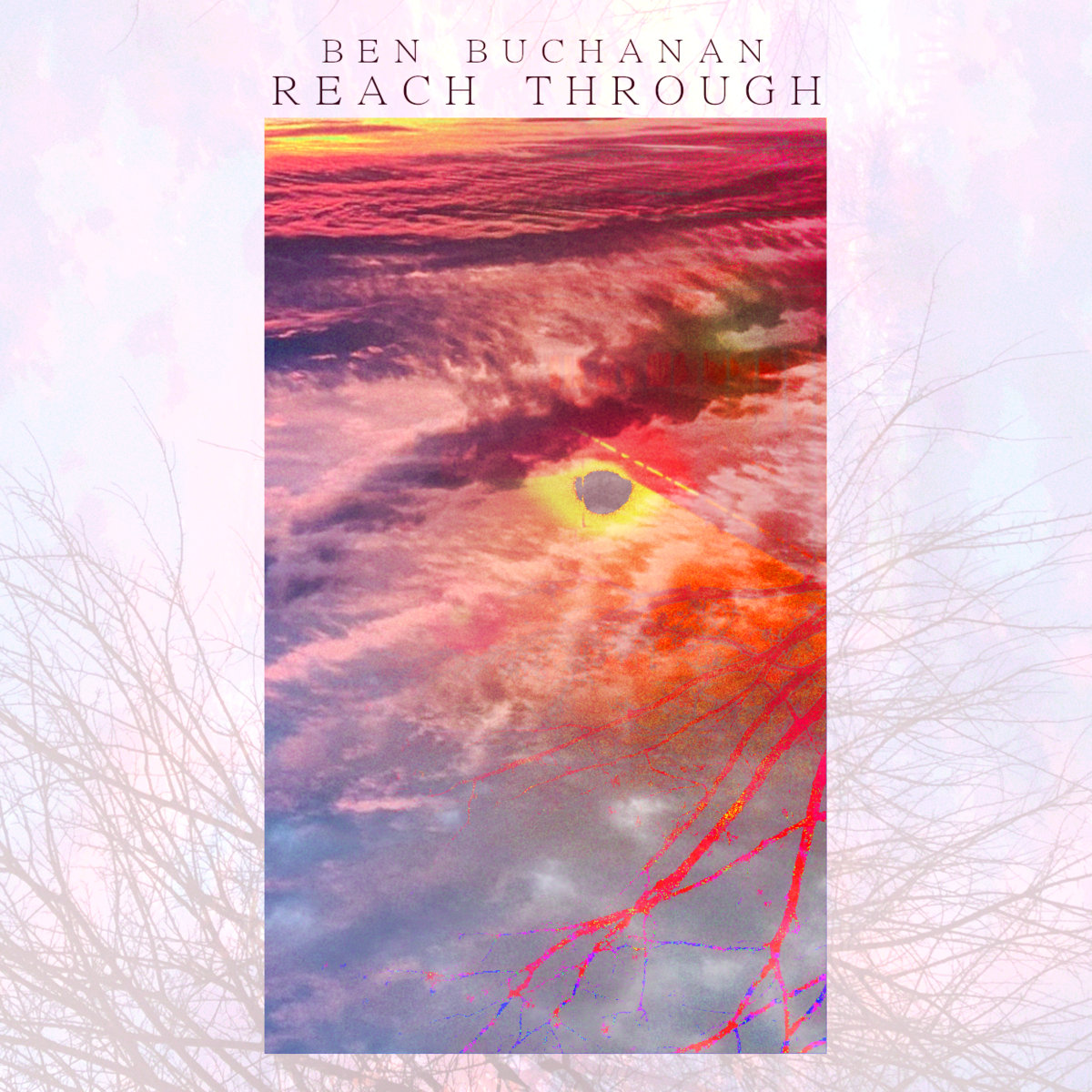
Reach Through

Released January 9, 2023

An album where I manifest the warmth and joy of spring by exorcising the rime of winter with six drone-focused cuts. Dissonant layers of chords and distortion combine into a feverish slew of melted light through panes of glass.

Listen on Bandcamp
# Track
1 Burning Tracts
2 Moon Attraction Cycle
3 Like Fever
4 Seen Through Glass
5 Reach Through
6 Deliverance

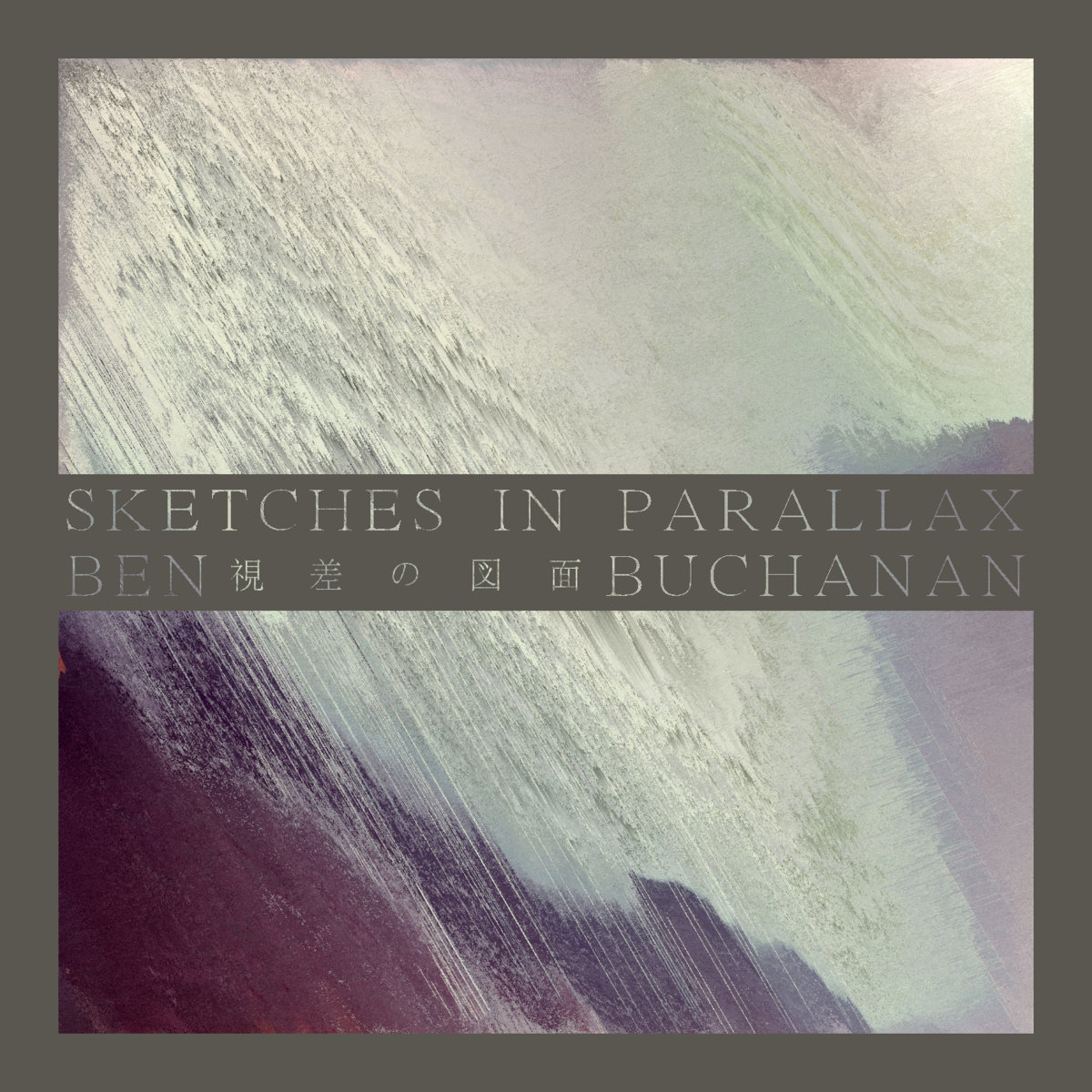
Sketches in Parallax

Released August 2, 2022

A four-disc collection of ambient sketches, experimenting with sample manipulation, distortion, and generative composition. An allegory of the four seasons, repeating over and over.

Listen on Bandcamp
# Track
1-1 Headtrauma
1-2 Misthymnal
1-3 Paintedeyes
1-4 Clingrelapse
1-5 Juno
1-6 Eveningflow
1-7 Luna
2-1 Slowdawn
2-2 Amethystlight
2-2 Familiarnoise
2-3 Terrafirma
2-4 Rustmoon
2-5 Predestination
2-6 Sleep
2-7 Firmamentdreams
3-1 Kazabana
3-2 Circuitgnasher
3-3 Wiltedfaith
3-4 Maelstrom
3-5 Undone
3-6 Stilldrama
4-1 Autumnleaves
4-2 Komorebi
4-3 Lilacsong
4-4 Sunslaker
4-5 Amberscape
4-6 Noel

Icarian Sea

Released January 16, 2022

A shorter collection of tracks where I begin to play around with distortion and generative composition. It serves as a brief taste of what would follow on 'Sketches in Parallax'.

Listen on Bandcamp
# Track
1 Mechanicalpoetry
2 Driftcontemplate
3 Omicron
4 Hazetide
5 Wraith
6 Cloudmosaic

Inner Weather

Released July 15, 2021

My first foray into the world of modular synth music with VCV Rack. An ambient electronic representation of my inner state of mind during its recording.

Listen on Bandcamp
# Track
1 Lorenz Attractor
2 Digital Magmatics
3 Machine Heart
4 Rifted State
5 Rain Charms
6 Tangled Petals
7 Dawn Drifts Into Evening
8 Sun Rhythm
9 Permutations
10 Reconcile
11 Spring Communion
12 We Wash Away Tomorrow

A Dream of Shapes Returning

Released June 16, 2019

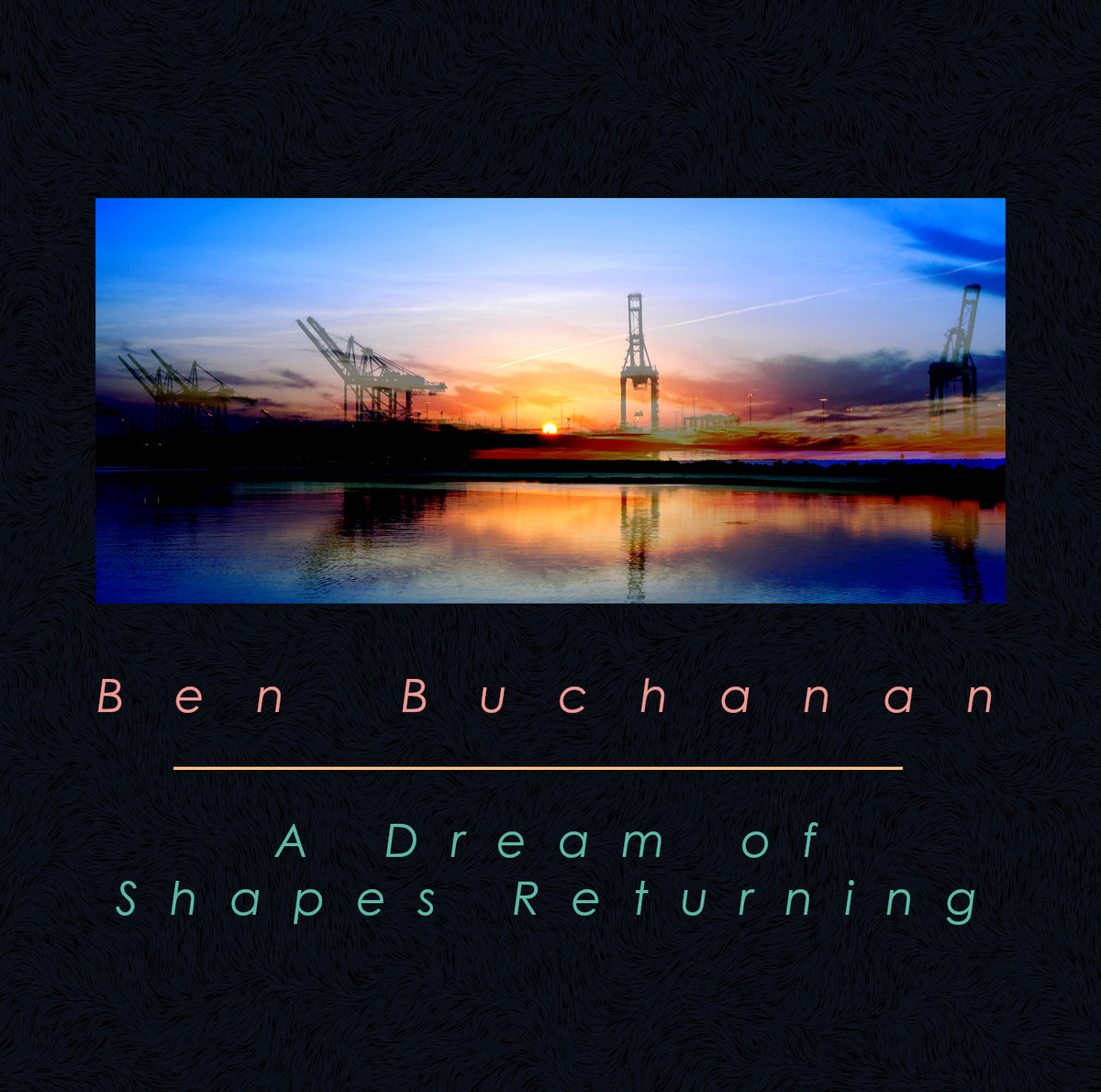
My first official release, where I use homemade tape loops, an old Yamaha 4-track, and a DAW to score a series of dreams, visions, and emotional states. Static weaves a tapestry of dreams into a story.

Listen on Bandcamp
# Track
1 Ex Nihilo
2 Desert Aureus
3 Cumulonimbus
4 Hyperdrip New Age Blooming
5 When Love Was Here
6 Palace of Broken Mirrors
7 Metro Postcard
8 Alive in the Snowdrifts
9 Before Paradise
10 Ad Infinitum

Music

Ben Buchanan

Music made under my own name

Maps of Low Fidelity

Music made under an alias

Maps of Low Fidelity

A side project where I make shorter 5-track collections of sound, typically with a focus on evoking natural landscapes through generative composition, minimal voices, and simple atmospheres of soft noise.

After hearing of the passing of Lindsheaven Virtual Plaza during the pandemic, I was extremely sad that we would never get to hear more of the minimal ambient work on 'Rainforest Hills'. So I set out to make some of my own work in that style, as much in tribute to the late artist as it was in practice for my passion. Eventually it spiraled into more than just a one-off release, and now I plan to put out plenty more projects under the MoLF name.

You can expect a new MoLF project every six months, in March and September.

Distant Colors

Released September 28, 2025

A chromatic plain of ranges and rings, pauses and returnings.

Listen on Bandcamp
# Track
1 Distant Colors
2 Across the Ranges
3 Nomads
4 Hue Repose Becalm
5 Beyond Glimpse Returning

Before and After Time

Released March 30, 2025

A fond loop of starts and ends, motifs and bends. Digital download includes 20-minute single 'Stasis of Memory'.

Listen on Bandcamp
# Track
1 Before and After Time
2 Deep Morning Hour
3 Chasing Fallen Leaves
4 Anachronism
5 Longing for the Beginning

Fragile Sands

Released September 29, 2024

A warm respite of tides and waves, grit and grains.

Listen on Bandcamp
# Track
1 Fragile Sands
2 Submerged Belief
3 Horizon Shrines
4 Long Exposure State
5 Ember Suspensions

Telephone Conflux

Released March 22, 2024

A fuzzy memory of wires and voices, imperfections and noises. Digital download includes 20-minute single 'Radio Showers'.

Listen on Bandcamp
# Track
1 Telephone Conflux
2 Migratory Transmissions
3 Forward Message
4 Threads That Link Diamonds of Light
5 Late Spring Calling

Opal Drifters

Released September 7, 2023

A shifting cloudscape of hues and emotion, remembrance and devotion. Digital download includes 20-minute single 'Landscape in Sketch'.

Listen on Bandcamp
# Track
1 Opal Drifters
2 Rethought Topographical
3 Endless Patience
4 Aimless Time
5 Halcyon Old Tongues

Heavy Light Gradient

Released March 23, 2023

A waterside lightscape of gravel and breezes, colors and reeds.

Listen on Bandcamp
# Track
1 Heavy Light Gradient
2 Reeds and Rocks
3 Tau Cascades
4 Sun Scattered in Glass
5 Last Light

Sea of Mercury

Released September 22, 2022

A metallic sea of birds and freighters, heat-slaked wavers. Digital download includes 20-minute single 'Entirety'.

Listen on Bandcamp
# Track
1 Sea of Mercury
2 Murmurations
3 Heat Streaming
4 Satellite Zone
5 Terminal Conviction

Unknown Coordinates

Released March 6, 2022

A strange ancient place of nature and light, day and night.

Listen on Bandcamp
# Track
1 Unknown Coordinates
2 Floating Derelict
3 Twilight Ruin Approach
4 Umbral Patterns
5 Into a Sunlight Iota

Now

Current Status: Playing with mahjong tiles. Listening to "Fish Out of Water" by Chris Squire.

Projects

I have the sort of creative energy that comes and goes with seasons. I put things down, pick them back up, abandon them, obsess over them, and forget ideas I had just this morning.

Here are some things I'm working on now.

Writing

I've self-published a number of collected volumes of poetry through Amazon's KDP service. You can find links for the physical releases below, as well as free PDF downloads.

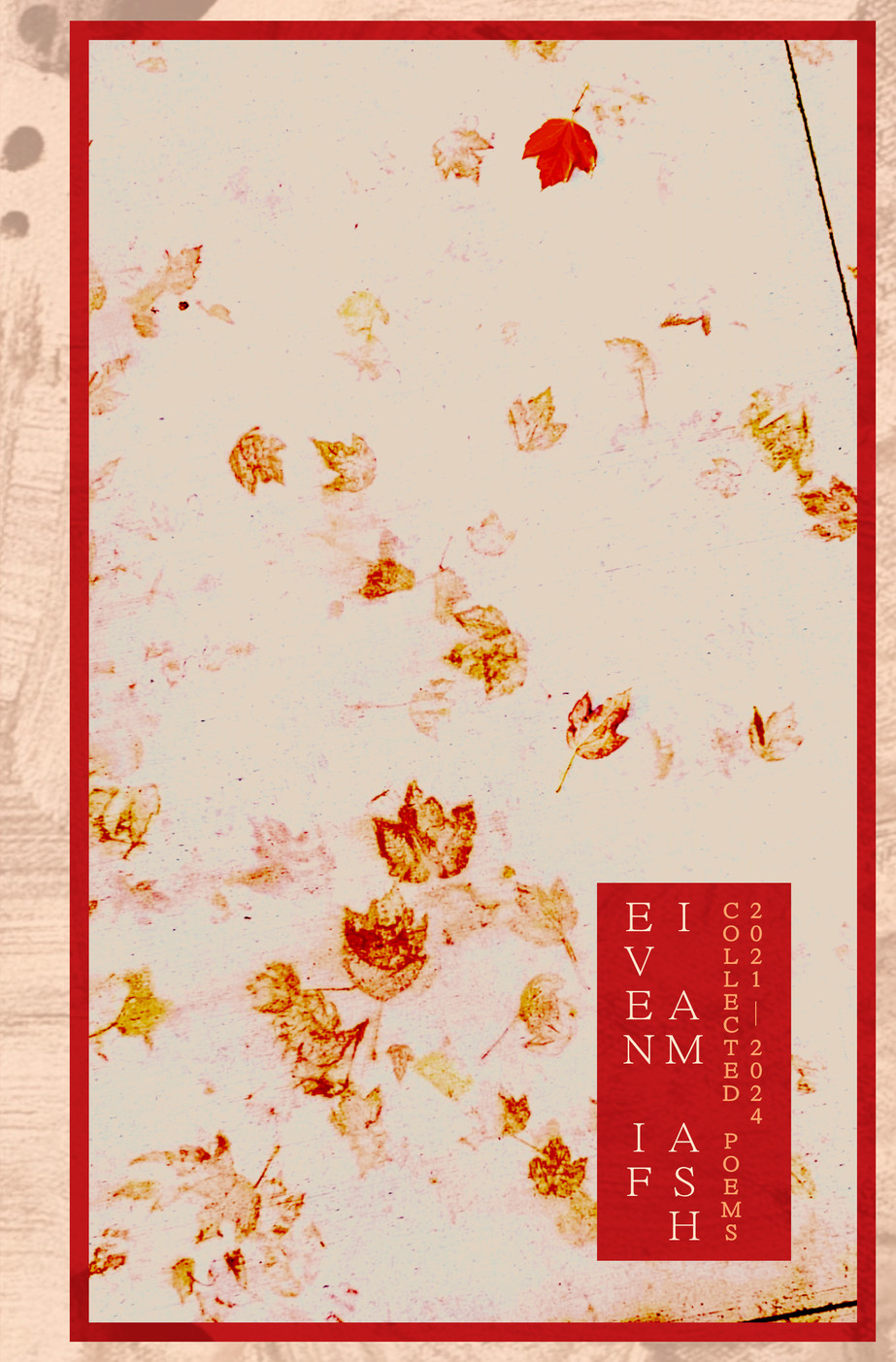
Even If I Am Ash

Published May 10, 2024

My fourth collection of abstract poetry, focusing on self-exploration and the wonder of the natural world.

Download PDF Purchase on Amazon

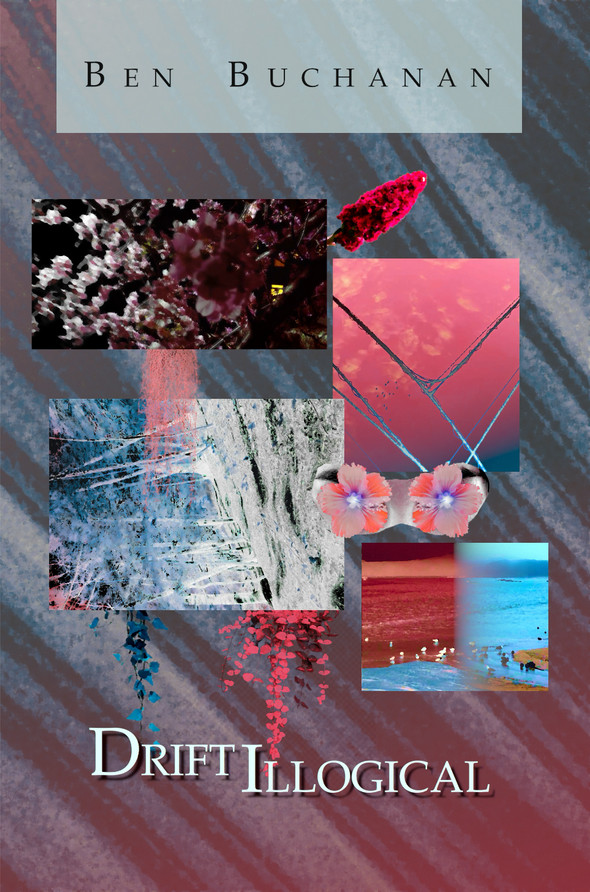
Drift Illogical

Published April 16, 2021

My third collection of abstract poetry, focusing on nature and the isolation of the COVID-19 pandemic.

Download PDF Purchase on Amazon

Another Flow

Published June 3, 2020

My second collection of abstract poetry, focusing on dreams and experiments with concrete/blackout/collage poetry.

Download PDF Purchase on Amazon

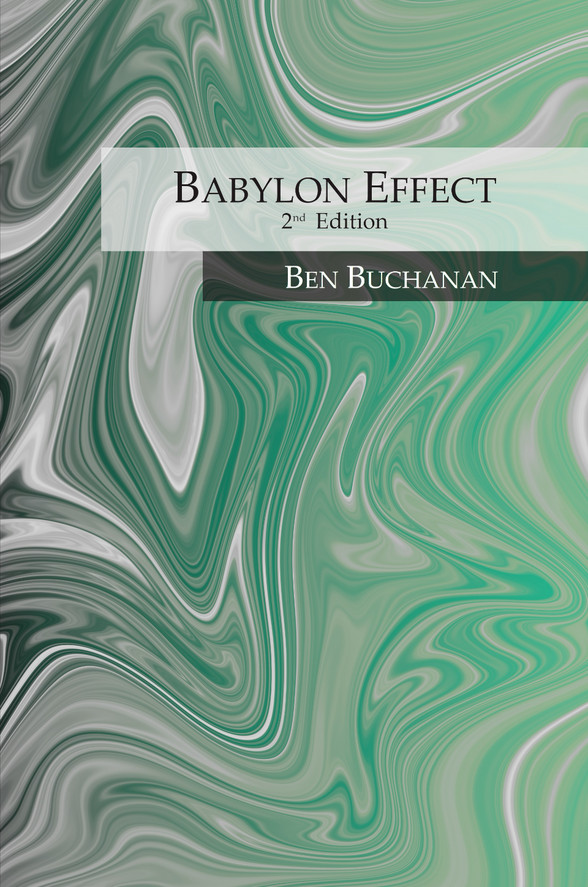
Babylon Effect 2nd Edition

Published October 11, 2021

My first collection of abstract poetry, updated to fit the styling of my other collected volumes.

Download PDF Purchase on Amazon

I Wrote My Own Static Site Generator in Bash

Posted on 2025/12/31

I wrote a static site generator (SSG) in pure bash to replace Jekyll, and allow myself to hand-write my site from scratch.

Now, why would I use an SSG in the first place when my goal is to hand-write the site? Why would I torture enjoy myself by writing an SSG in pure bash? Why not just use a fully-featured SSG or site template that a lot of other people use?

Let's answer those questions, and discuss my thoughts on the resulting tool, as well as my initial experience using it to build this site.

Step One

Become disillusioned with the thing.

For years, I had used Jekyll to build my site. I liked the flexibility of using YAML, Markdown, and Liquid templating to turn directories of posts and other data/collections into nicely-formatted HTML pages. Things were peaceful in the garden that I had cultivated.

Eventually, I came to a point where I felt a friction in the process; my tools were chafing me, but why? I realized that my frustrations were not necessarily in what the tools were doing, but how they were doing it. Jekyll is a Ruby application; you must have Ruby installed on your machine in order to use it. I have never, not once, found myself interested in writing anything in Ruby. After auditing the packages installed on my systems, I found that Jekyll was the only app I used that required Ruby as a dependency. I also began to wonder what these tools were driving me to do, and whether I felt comfortable with the idea of my tools influencing the direction and content of my site more than my brain. Reading through the documentation for Jekyll and the Liquid templating language left me with an insatiable lust for utilizing as many features of the two that I could. This is a bad idea. This is how software becomes bloated. This is how we create things which cannot sustain themselves.

I could feel the power of the SSG was drawing me closer and closer to this place I did not want to be in.

It was time for Jekyll to go.

Step Two

Deny yourself the thing.

So I removed Jekyll (and consequently Ruby) from my system. Would I move to a different, less powerful SSG, then? Hell no!

I began to read up on the small web, the minimalist web, the handmade web. I became increasingly enamored with the idea of re-writing my site from scratch, without the use of any templating or external programs.

In particular, I was inspired by this site and the way it uses CSS to emulate the behavior of a single-page application . In fact, the bones of this site stick pretty closely to that formula, and the entire thing remains a single HTML file. Of course, there is a separate CSS stylesheet, and plenty of static image files, PDFs, etc.

So I said, "Fuck it! I'll do it myself!" And that's exactly what I did.

And that's when I started chafing again.

Step Three

Accept that you could use the thing.

While it was certainly possible to write everything by hand, that also meant I had to:

  • Update everything myself. This includes the copyright year and date of last update in the aside footer, among other things.
  • Maintain unique <section> tag ids myself. This is because each "page" of the site needs to be contained in an HTML <section> tag with a unique id attribute. These ids also need to be maintained across links within the site that point to those pages.
  • Maneuver around an increasingly large HTML file in my editor.
  • ...and much more.

Perhaps I don't need to explicitly mention this, but these tasks were tedious, annoying, and getting in the way of my enjoyment of cultivating this website.

Something needed to be done about this, or else I would never touch this thing ever again, and that would be sad. So I did what I always do in these sorts of situations; I went about writing my own bespoke solution to problems that other people much smarter and more talented than I have already solved.

Step Four

Identify what you want the thing to do.

Because I still had that bad taste in my mouth of unnecessary dependencies, I decided to write my solution in pure bash. No matter what system I need to build my site on, I can be damn sure that it'll have bash installed on it.

Other things I needed this tool to do included:

  • Automatically update the aforementioned dates in the footer.
  • Organize my blog posts into reverse-chronological order.
  • Generate an RSS feed of those blog posts.
  • Ensure (as much as is reasonable) that page ids are unique.
  • Identify external links and open them in a new tab.
  • Allow images to load lazily.
  • Generate lightboxes for some images (without any JavaScript). Doing things without JS is important to me for this site. These inline footnotes you're reading are also implemented using CSS only, no JS required.
  • Take a directory of files and collapse it into one HTML file.
  • Take static files and move them into a final site directory.
  • Allow for draft files that are not included in release builds.
  • Be simple enough that I don't tear my hair out when modifying it.

This may seem like a daunting task, but keep in mind that a major thing this tool would not need to do is parse some external templating language or reference a library of "collections" and "filters" and such. In fact, the resulting script comes in at almost exactly 300 source lines of code (SLOC) at time of writing. Turns out, removing complex features intended for increasingly generic use cases and replacing them with custom solutions meant for specific use cases leads to a much smaller tool.

Now all I had to do was actually write the damn thing. Let's see how I did it.

Step Five

Make a thing that does what you want.

Many of the strange "bash-isms" you are about to see in my code were lifted from, or otherwise inspired by, the brilliant Pure Bash Bible .

The script handles updating certain dates by looking for a particular string in the HTML code and replacing that string with a date generated and formatted using a neat little 'printf' trick .

Show/Hide Code Block
interpolate() {
    local pattern=$1
    local replacement=$2
    local num_replace=${3:-all}

    local temp
    temp="$(<"$BUILD")"
    case $num_replace in
        once)
            temp="${temp/$pattern/$replacement}" ;;
        all)
            temp="${temp//$pattern/$replacement}" ;;
    esac
    echo "$temp" > "$BUILD"
}

format_date() {
    local -n ptr=${1}
    local fmt=$2

    printf -v ptr "%($fmt)T\\n" "-1"
}

...

interpolate_dates() {
    local copyright_year && format_date copyright_year '%Y'
    interpolate '%COPYRIGHT_YEAR%' "$copyright_year"

    local modification_date && format_date modification_date '%B %d, %Y'
    interpolate '%MODIFICATION_DATE%' "$modification_date"
}

The '$BUILD' variable in the above code block is used to track the current HTML file generated by the script. I often read it into a string, modify that string in some way, then write it back to the file.

NOTE
In many of these blocks you will see me interpolate strings of the form "%PATTERN%". In my actual script, I use '{' and '}' to enclose these patterns, but if I include that syntax in these code blocks, my script will try to interpolate them as well, which I don't want. So I use '%' to "fool" my script into leaving them alone.

The script accomplishes writing blog posts and rolling them into an index page by iterating over a '_posts/' directory and doing some more interpolations. We also programmatically determine the publish date, post title, and link id based on the filename of the post.

Show/Hide Code Block
output() {
    local string=$1
    local dest=${2:-$BUILD}
    echo "$string" >> "$dest"
}

...

parse_post_date() {
    local -n ptr=${1}

    ptr="${ptr%% *}"
    ptr="${ptr//-/\/}"
}

parse_post_title() {
    local -n ptr=${1}

    ptr="${post#* }"
    ptr="${post_title%.*}"
}

parse_post_href() {
    local -n ptr=${1}
    local post_date post_title

    post_date="$ptr" && parse_post_date post_date
    post_title="$ptr" && parse_post_title post_title
    ptr="blog/$post_date/$post_title"
}

escape_ampersands() {
    local -n ptr=${1}

    ptr="${ptr//\&/\\&}"
}

write_posts() {
    # Iterate over posts in reverse
    # This puts most recent posts at the top
    local posts=("$POSTS_DIR"/*.html)
    local post post_date post_title post_href post_content post_string

    local post_list=''
    local i
    for ((i=${#posts[@]}-1; i >= 0; --i)); {
        post="${posts[$i]##*/}"

        [[ "$post" == *DRAFT* && $DRAFT_MODE == 0 ]] && continue

        post_content="$(<"${posts[$i]}")" && escape_ampersands post_content
        post_date="$post" && parse_post_date post_date
        post_title="$post" && parse_post_title post_title
        post_href="$post" && parse_post_href post_href

        # Output the actual post page
        output "<section id=\"$post_href\" class=\"blog\">"

        post_string="$(<"$PARTS_DIR/post.html")"
        post_string="${post_string//\{POST_TITLE\}/$post_title}"
        post_string="${post_string//\{POST_DATE\}/$post_date}"
        post_string="${post_string//\{POST_CONTENT\}/$post_content}"

        output "$post_string"

        output '</section>'

        # Add the post to the post list
        post_list+='<div>'
        post_list+="<a href=\"#$post_href\">"
        post_list+="<h3>$post_title</h3>"
        post_list+='</a>'
        post_list+="<small>Posted on $post_date</small>"
        post_list+='</div>'
    }

    interpolate '%BLOG_POST_LIST%' "$post_list"
}

One of my requirements was the inclusion of a "Draft Mode", which you can see me use in the above block. I look for the user to pass in a '-d' command line argument to see if we should build the site in Draft Mode or not. If the script is not in Draft Mode, then any file with the string 'DRAFT' anywhere in its filename will be skipped over. This is not a perfect solution, as I often find myself modifying some part of the CSS for a DRAFT file, but I also have some production change I want to make. I don't want to rename the CSS file to have 'DRAFT' in its name, so I compromise by manually selecting hunks of the file to commit with 'git add -p'.

You may have also noticed the '$PARTS_DIR' variable in the above code block. I use this directory to store little pieces and parts of HTML that get included elsewhere, like the header, footer, and post layout. In this way, it kind of fulfills the role of both an '_includes/' and '_layouts/' directory.

We can use similar logic to writing posts in order to generate an RSS file by iterating over the blog posts once again.

Show/Hide Code Block
write_rss_feed() {
    local posts=("$POSTS_DIR"/*.html)
    local post post_title post_href post_date

    output '<?xml version="1.0" encoding="UTF-8" ?>' "$RSS"
    output '<rss version="2.0">' "$RSS"

    output '<channel>' "$RSS"

    output "<title>$SITE_TITLE</title>" "$RSS"
    output "<link>$SITE_BASE_URL</link>" "$RSS"
    output "<description>$SITE_DESCRIPTION</description>" "$RSS"

    # Iterate over posts in reverse
    # This puts most recent posts at the top
    local i
    for ((i=${#posts[@]}-1; i >= 0; --i)); {
        post="${posts[$i]##*/}"

        [[ "$post" == *DRAFT* && $DRAFT_MODE == 0 ]] && continue

        post_date="$post" && parse_post_date post_date
        post_title="$post" && parse_post_title post_title
        post_href="$post" && parse_post_href post_href

        output '<item>' "$RSS"
        output "<title>$post_title</title>" "$RSS"
        output "<link>$SITE_BASE_URL/#$post_href</link>" "$RSS"
        output "<description>$post_date - Blog Post</description>" "$RSS"
        output '</item>' "$RSS"
    }

    output '</channel>' "$RSS"

    output '</rss>' "$RSS"
}

We've seen in some of the above code snippets that we are generating the enclosing <section> tags for some pages. The id is programmatically generated, which effectively fulfills my requirement of maintaining unique ids across pages, to a certain extent.

For opening external links in a new tab, we take advantage of some <a> tag attributes, interpolating them into every marked link in our site. Now, remembering to mark external links with this placeholder string is a huge pain, and goes directly against what this tool is supposed to prevent. So, I also add a check for any unmarked external links using a regex match. If one such link is found, the script will print it to the terminal so the user can see which links they need to go in and add the marker to. Again, it's not a perfect solution, but directly interpolating without using a marker was giving me a lot of trouble with infinite loops, or not finding all external links properly. I settled for a "good enough" solution instead.

Show/Hide Code Block
modify_external_links() {
    check_for_unmarked_external_links
    interpolate '%EXT_LINK%' 'target="_blank" rel="noopener noreferrer"'
}

check_for_unmarked_external_links() {
    local line
    while read -r line; do
        [[ $line =~ \<a\ *href=(\".*//.*\")\ *\> ]] && {
            echo "External link ${BASH_REMATCH[1]} has no %EXT_LINK% mark"
        }
    done < "$BUILD"
}

Perhaps in the future I will modify this behavior so that instead of reporting missing marks, we actually just interpolate the external links directly, eliminating the marks entirely.

Making images load lazily is much easier than a lot of the other logic, just using a simple interpolation.

Show/Hide Code Block
make_images_lazy() {
    interpolate '<img ' '<img loading="lazy" '
}

For generating lightboxes, we iterate over all the files within our 'artwork/' directory, and for each image file, we write out a link to another "page" that functions as a lightbox. It also functions as a link back to the original page that the image was hosted on.

Show/Hide Code Block
write_image_lightboxes() {
    local image extension image_id origin
    for image in "$STATIC_DIR"/artwork/**/*; {
        [[ "$image" == *DRAFT* && $DRAFT_MODE == 0 ]] && continue
        extension="${image##*.}"

        case $extension in
            jpg|png)
                image_id="${image#*/}" ;
                origin="${image_id%/*}" ;
                [[ $origin != *.* ]] && {
                    write_lightbox "${image:1}" "$image_id" "$origin"
                } ;;
            *)
                ;;
        esac
    }
}

write_lightbox() {
    local image_src=$1
    local image_id=$2
    local origin=$3

    output "<a id=\"$image_id\" class=\"lightbox\" href=\"#$origin\">"
    output "<img src=\"$image_src\" />"
    output '</a>'
}

As for the other requirements, they've basically been fulfilled by the nature of what our script has become, or can be solved with very simple calls to 'mv' and 'cp'.

The only other pain point I had when trying to emulate the behavior of a single-page application was that the CSS I grabbed from my inspiration site was meant to be used with absolute positions and overlays and such. I don't like to use that kind of style, so I needed to modify my CSS to replicate the behavior in a different way.

I ended up with the following code to control which "page" is shown.

Show/Hide Code Block
section,
section:target ~ #home,
#home:has(~ section:target) {
    display: none;
}

#home, section:target {
    display: block;
}

Originally this code was a bit different, but I had to change it to allow the home page to exist in any position relative to other pages. Before, the CSS I used required the home page to always be the first page, but I didn't want to bake that requirement into the logic of my script. So, I landed on this admittedly dense CSS declaration. For those not well-versed in CSS declarations and selectors, what the above two declarations say is:

1. All sections are display: none.
2. All elements with id 'home' (#home) that exist adjacent to a targeted section are display: none (including 'left-of' and 'right-of').
3. All other targeted sections and #home elements are display: block.

This results in the behavior that any targeted section is the displayed page, and if nothing is targeted, then the home page is displayed.

With all that out of the way, I could now properly include generic multi-level pages in my generated HTML file by iterating over a '_pages/' directory. Using a glob allows nested pages, such as the ones I use for the Music section of this site.

Show/Hide Code Block
output_content() {
    local filepath=$1
    local dirname="${filepath%%/*}"
    local page_id="${filepath#*/}"
    page_id="${page_id%.*}"
    local page_class="${page_id%%/*}"

    [ -f "$filepath" ] && {
        [ "$dirname" == "$PAGES_DIR" ] && \
            output "<section id=\"$page_id\" class=\"$page_class\">"

        output "$(<"$filepath")"

        [ "$dirname" == "$PAGES_DIR" ] && \
            output '</section>'
    }
}

...

write_pages() {
    local page
    for page in "$PAGES_DIR"/**/*.html; {
        [[ "$page" == *DRAFT* && $DRAFT_MODE == 0 ]] && continue
        output_content "$page"
    }
}

Step Six

Use the thing. Rejoice.

And so, totem The name comes from the way it structures the resulting HTML file. It "stacks" the various sections on top of one another, resulting in a long file that you could say resembles a totem pole . was born, and Lexica Chromatica reborn alongside it.

As with all things, both the site and the tool used to build it are not final. There will be changes, fixes, workarounds, alterations, compromises, etc. But I am very pleased with the results thus far.

totem allows me to continue writing the HTML of my site by hand, while also eliminating much of the friction I experienced with the more tedious tasks of website maintenance. I already feel more at home in this iteration of the site, and I don't feel the draw of extra features leading me to fill the site with useless pages it doesn't need.

I built a tool that does just enough for me, and nothing more. It's portable, not reliant on external dependencies, small, and simple. Most programmers today could learn a thing or two about that sort of brevity.

If you want to read more about how totem works, and even build an example site with it, you can follow the link at the top of this section and clone the repo for it. However, I would not suggest using it as your own SSG unless you feel comfortable making changes to it, or otherwise using a similar site structure to mine. While I did bake some generic functionality into the script, I did not intend for it to be used in any serious context outside of my own website. Your mileage may vary.

If you're at all of a technical mind, or perhaps already proficient in writing programs, I'd encourage you to give rolling your own SSG a shot. Or maybe take the time to create another tiny tool that solves another of your problems. It's rewarding, and using software that you actually understand inside and out is an important part of digital independence, especially in today's hyper-capitalist techno-feudalist reality.

Craft your own tools. Break the chains they put you in.

Step Seven

Ponder the thing. Perhaps write a blog post.
Finding Good Music

Posted on 2025/12/13

The era of music streaming has steadily hurt the industry and swindled artists, all while masquerading as the "savior" of independent musicians and musical discoverability. Many people, myself included, feel that the endless fields of mood-based playlists and algorithm-curated mixes do not satisfy their hunger for the music they crave.

In this age of mass-produced musical deluge, it can be difficult to know what's actually worth listening to, and where to go to find it. Let's talk about a few places to look, and a few strategies to employ when looking for new music. This is by no means an exhaustive list of resources for finding music. This is just how I tend to go about it, as someone who prefers albums over singles, and is always interested in expanding my musical horizons.

Traditional Tastemakers

Music critics have been around since there was music to criticize. While I don't recommend using critics as your only source of musical intake, I do think they can serve you well in providing outside opinions and perspectives on the music industry, the current musical zeitgeist, and much more. Besides, it can be fun to just listen to someone rant and rave about something they're very passionate about.

If you spend any amount of time in the music-sphere of the Internet, I'm sure you've heard the name "Anthony Fantano" mentioned. The Internet's Busiest Music Nerd certainly lives up to that title as the man behind The Needle Drop. I have found countless albums through Anthony's reviews, including a few of my Album of the Year's, but that doesn't mean I always agree with him. That's kind of the thing about critics -- you don't need to agree with them. In fact, I find that using critics I don't entirely share a musical taste with is beneficial to expanding my own tastes.

Beyond the big names like Fantano, there are plenty of other critics and music reviewers you can check out. Go find ones that speak to your needs as a music listener.

For myself, the main sources I go to in terms of music opinions are Fantano, Oliver of Deep Cuts, and Kelsie of The Yellow Button.

Music Publications

One thing the Internet has actually made easier is getting access to digital publications about music. From big names like Pitchfork, to the tons of smaller sites and zines, there is no shortage of places to find music news, reviews, opinions, interviews, etc.

I used to be an avid Pitchfork reader, though it's been quite some time since I've found myself on the site. These days I tend to prefer the style and output of Bandcamp Daily. Different publications will cater to different fans, so don't be afraid to go looking around for one or a few that speak to your tastes.

Follow Breadcrumbs

If you find an interview of an artist you like, read it. Perhaps they'll talk about the inspirations behind some of their music. Perhaps they'll talk about what they've been listening to recently.

Maybe the artist has a Bandcamp page, and they've selected some other projects to recommend to people on their page. Maybe people on RYM won't shut up about how your favorite band is derivative of their favorite band.

If you find a thread of inspiration woven into music you like, then follow that thread. You may just find a whole new artist to love, and learn a bit about the history of their sound in the process.

Perpendicular to this "horizontal" approach to following breadcrumb trails is a more "vertical" one. Rather than hopping from artist to artist, stick with the same artist. Like one album in a band's discography? Listen to another one. Odds are, if you like one, you'll like more.

Other

Word of mouth is a powerful thing. I discovered my favorite album of all time because someone I knew mentioned they had recently listened to it and enjoyed it. Don't be afraid to follow seemingly-random paths into areas of music you've never visited before. You may just like what you find.

And finally, as much as I bemoan the constant presence of feeds generated by algorithms, they do sometimes still provide those diamonds in the rough we like to look for. Most recently my YouTube algorithm managed to serve me the absolute gem that is the new Lac Observation record , which I never would have found otherwise.

If you take a single thing from this blog post, let it be this: You are what you eat, and that includes what you listen to. Don't let yourself become a sanitized, corporate-funded, vibes-based mood board slop trough of sound. Find the sound that liberates you from the dim future of commercial music. You have nothing to lose but your chains.

Fiddling with a Home Server

Posted on 2024/12/28

Over the past few months, I've been playing around with a home server, steadily adding more functionality to it as I troubleshoot various issues that crop up. I'd like to take this blog post to explain why I've been doing this, what exactly a home server is or could be, and why I think you should give it a try as well.

Introduction to Self-Hosting

What is a homelab?

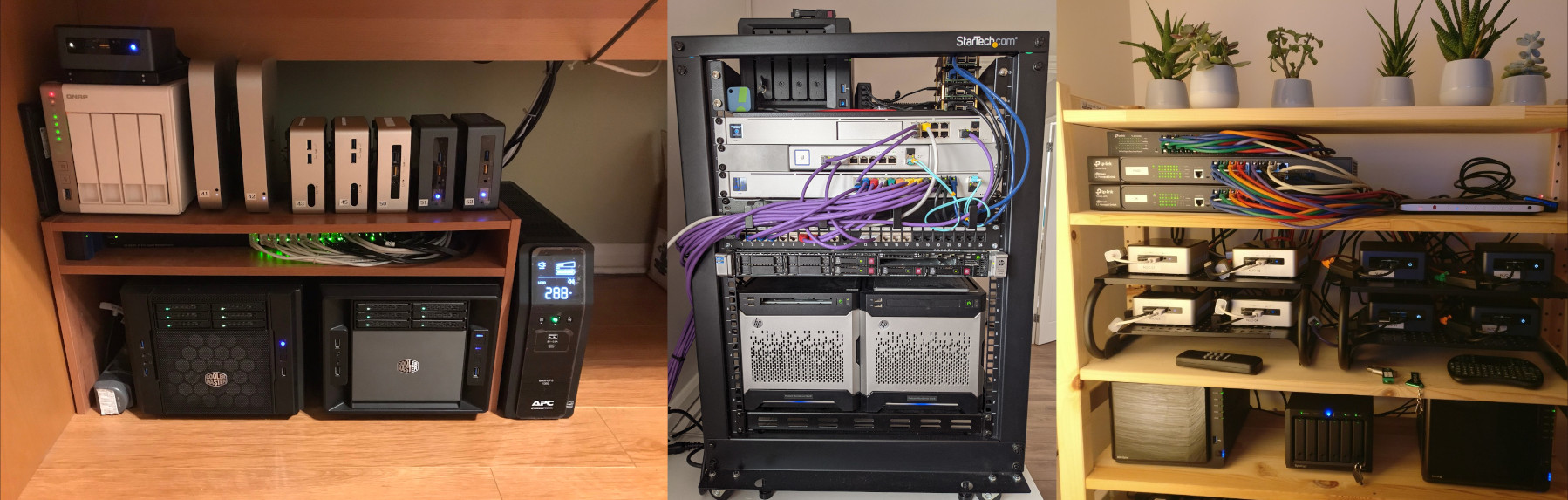
Some examples of homelabs from the Internet

Going by the pictures and descriptions you'll find across the Internet, you may feel like a homelab is a convoluted mess of expensive hardware and endless software/web interfaces that draws a ton of power and turns your house into a small-scale enterprise headquarters. In reality, a homelab is just any group of computing devices that run services accessible to other computing devices on your home network. This could be local file storage, media servers for audio/video content, or really anything you want.

Why bother with it?

Most of what you'd run on a homelab is already taken care of by other cloud services like Google Drive, Spotify, Trello, etc. So in a world where you can just use a 3rd-party service and not have to run everything yourself, why would you choose to create a homelab?

Privacy is one concern you may see come up in discussion around self-hosting and moving away from 3rd-party services. If you upload and store documents on something like Google Drive, then Google has that data stored on their servers. You may not know exactly what kind of information they are harvesting from your data, or what other operations they might perform on it as part of their business practices. When you self-host, you are the one in control of all your data, and you dictate exactly what it's used for, and used by.

Ownership of data kind of goes along with the privacy issues. Do you still own your data if you willingly upload to a server that's operated by a corporate entity? What if that entity decides to shut down the service they were providing, do you still have a right to retrieve your data? Could you even ask them not to shut down the service in the first place? You are at the mercy of a capitalist enterprise, and your data could be collateral damage in their wake.

Speaking of capitalism, many people have ethical concerns with using services provided by these tech giants like Google, Meta, Amazon, etc. In a world of ubiquitous generative AI and plenty of potential legal and ethical ramifications around that kind of exploitative (and ecologically disasterous) behavior, people should be more wary of who they are supporting, even if only by necessity.

Personally, my ethical dilemma centers mostly around my love of music, and my desire to support the artists I enjoy. Streaming platforms like Spotify do not pay their artists what they deserve, and have disrupted the music landscape in ways that I find detrimental to the greater music industry, at least from the perspective of a music listener. Everything is homogenized, and the industry begins to mirror the increasing monopolization of the greater capitalist enterprise landscape. In this case, huge artists are like monopolies, trusts to be busted - attention to be divided up and offered to smaller artists.

This, as well as the propensity of these platforms to invest in and perpetuate systems of the military-industrial complex, has soured me on them entirely. So I purchase the music I listen to on sites like Bandcamp, or other platforms that can adequately pay those artists, and host the digital files on my own music server, curating my own collection of music.

At the end of the day, running a homelab is also fun at least for people like me that enjoy cosplaying as a sysadmin after I come home from working my IT job. You learn a ton about networking, hardware, firewalls, containerization, and a ton more.

My Setup

What am I running?

My homelab currently consists of a couple small computers, some smart home products, and a bunch of Docker containers. I use it for hosting my music server, file storage, task tracking, personal wiki, and more. There's still plenty to be done, but I'm very happy with how it runs for a starter homelab.

Hardware

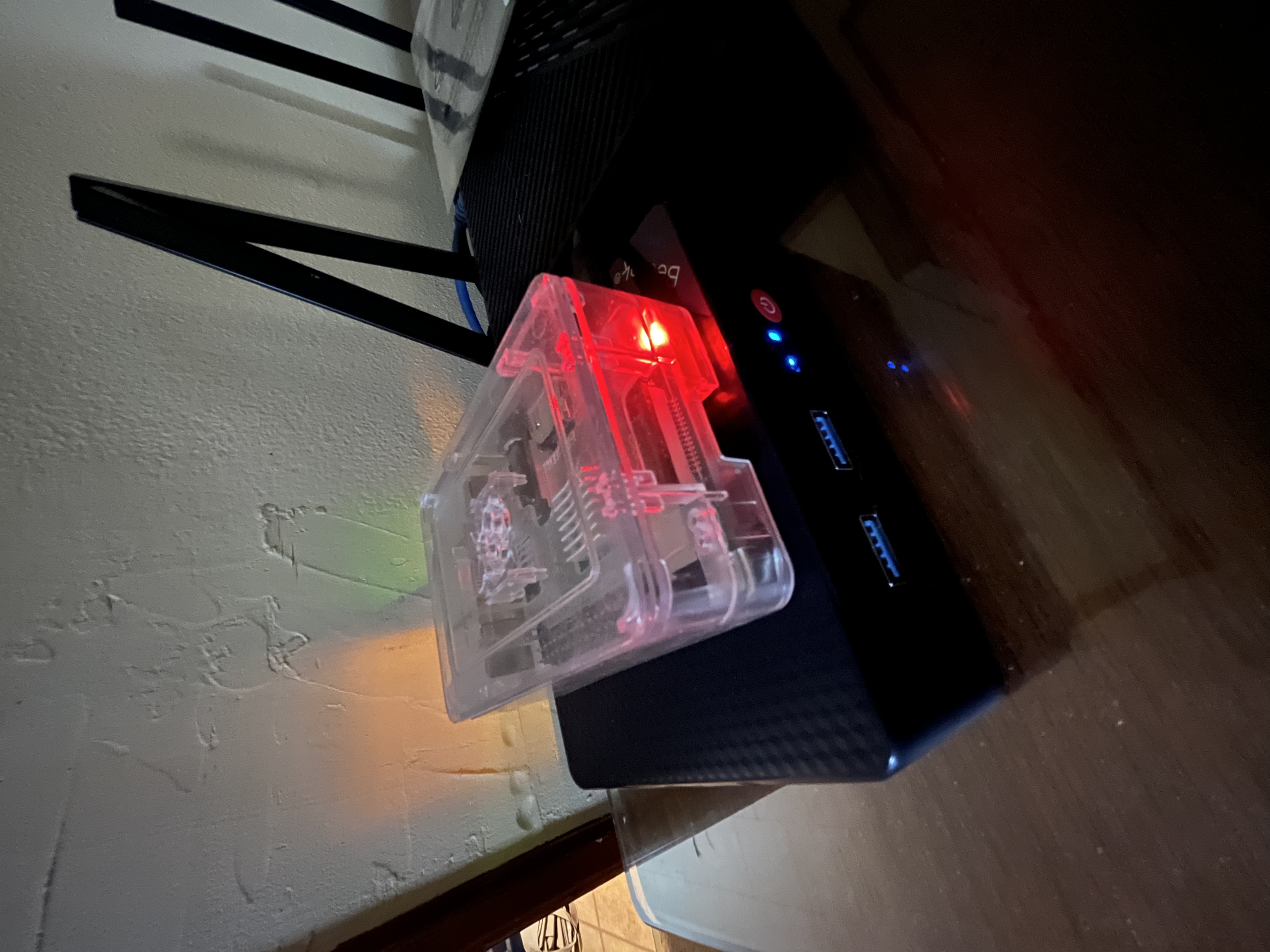
The vast majority of the homelab is running on a Beelink Mini PC with an Intel N100 chip and an upgraded 2TB SSD. It's small, it's quiet, it's not very power hungry, and it gets the job done. This machine is called 'Ys', named after the Joanna Newsom album.

Sitting on top of the Mini PC is an old Raspberry Pi 3b+, which used to run my old music server. Now the Pi just handles some of the internal networking stuff that I don't want to bother bogging the Beelink down with. This machine is called 'Pink', named after the Boris album.

My Mini PC server and Raspberry Pi homelab setup

Not pictured above are the Sonoff Zigbee controller and Philips Hue lights that I purchased as a jumping off point for a smart home network. The controller is just plugged into a USB port on the back of the Beelink.

Software

We'll start with what's running on Pink, since that's simpler. The Pi is just running two things baremetal: Pi-hole (with Unbound) and PiVPN (with Wireguard). Pi-hole serves as my local DNS center, ad blocker, and general networking dashboard outside of my router's browser interface. PiVPN allows me to VPN into my home network from outside the house, and is what makes it so that I don't have to directly expose my services and devices to the public Internet.

Next up is Ys, which currently runs everything in Docker. There's quite a bit here, so let's take it one at a time.

duckdns is running a job that updates the IP address of my DuckDNS static IP to reflect whatever my ISP decides my home router's dynamic IP is. This is what makes the Wireguard VPN work, even when my dynamic IP changes.

Nginx Proxy Manager handles redirecting all my fancy URLs to their respective service endpoints (in conjunction with Pi-hole local DNS records). It also handles applying local self-signed SSL certificates to all my endpoints. This service is called 'Veckatimest', named after the Grizzly Bear album.

Nextcloud is my current "cloud" file storage system of choice. I use it as pretty much a direct replacement for Google Drive (though because it is not exposed to the public I cannot share files with anyone outside of my home network) and that also includes the Calendar and Tasks functionality. This service is called 'Souvlaki', named after the Slowdive album.

OnlyOffice is the document editing suite that I have integrated into my Nextcloud service as a replacement for things like Google Docs, Sheets, etc. You can view and edit documents right inside of Nextcloud, which is very convenient. This service is called 'Vespertine', named after the Björk album.

Home Assistant is the smart home controller/dashboard that I am using with my Zigbee network. It's the latest thing I've added to the homelab, so there isn't much going on here yet besides a couple Hue lights that I can mess with. This service is called 'Superkilen', named after the Svaneborg Kardyb album.

Lyrion Music Server (fka Logitech Media Server) is what I use to run my music streaming server. Setup is simple, adding and removing music is easy, the interface (using the Material Skin plugin) is nice to look at and intuitive to navigate. It doesn't try to be flashy, it doesn't try to emulate Spotify, and because it comes from the lineage of the Logitech Squeezebox ecosystem, it's easy to connect to and play around with via a JSON RPC API. It's my favorite thing that I run, and I love it to death. This service is not named after an album, and is simply called 'Muse'.

Firefly III is what I use to track my finances. I used to use an over-engineered spreadsheet, but this service is much more tailored for how I like to keep track of my expenses and income, as well as bills and other major purchases. This service is called 'Buckminster', named after the Driftless Pony Club album.

Planka is a kanban-style task tracker that I have mostly moved away from in favor of the Tasks app on Nextcloud, though I do still sometimes use Planka for tracking my music and programming projects. This service is called 'Tapestry', named after the Carole King album.

Wiki.js is the platform I use for my personal wiki. At the moment I use it mostly to track various sysadmin information for my homelab, but I plan to use it more as a general information center as time goes on. This service is called 'Relayer', named after the Yes album.

My Experience Thus Far

Creation & Considerations

When setting up my machines, I knew I wanted something simple to deal with and easy to troubleshoot. For my daily drivers and work laptops I use Gentoo, but that certainly is not something I want to deal with for a server with high uptime. So I opted for the latest stable release of Debian on the Mini PC, and a typical 64-bit version of Raspian on the Pi.

In order to make sure network configurations worked properly, each machine is given a static IP address, either through `dhcpcd` or through DHCP reservations on my router. Once everything was set up and I confirmed I could SSH into each machine, I SSH hardened them by disabling password logins, enabling public/private key sign in, and changing the port that the SSH server is listening for connections on.

I also had to go into my router's browser interface in order to set a custom entry for local DNS, so that it would route DNS queries to my Pi instead of whatever the router's defaults were.

I considered making my services public on an actual Internet domain and just gating them all behind login portals or other authentication methods, but in the end I felt it was easier (and far more secure) to just leave everything local-only, so a user would need to VPN into my home network in order to access any services or machines. This decision would end up making some things much easier, and other things much more difficult.

Lessons Learned

One thing that was made easier by keeping things local was the DNS entries for my named services. By using Pi-hole and Nginx Proxy Manager it was dead simple to set up pretty domain names using CNAME entries and the reverse proxy.

One thing that was made far harder was SSL certificates. If I had exposed my services to the Internet I could have used the built in Lets Encrypt functionality of Nginx to create my certs, but because I was local only, I ended up having to self-sign my certs, including creating a local certificate authority. That authority has to then be uploaded into any device that wants to authenticate the validity of those SSL certs. Bit of a pain to set up, but once I got everything working it seems to be very smooth sailing.

Besides the SSL certs there were some other tempermental integrations, such as getting OnlyOffice working inside of Nextcloud (which prompted me to completely restructure the internal Docker network that connected all my containers), getting the VPN to work with my dynamic IP through duckdns, and trying to figure out which services required websocket support through the reverse proxy, among others.

Future Plans

There's still a lot that I need to do with this homelab, such as regular backups, setting up a NAS, creating an admin dashboard or homepage of some kind, system monitoring with Prometheus/Grafana, messing with firewall rules, and perhaps even playing around with adding a Windows machine to the network with Parsec for some sort of cloud gaming setup.

I'm already planning on adding a second Mini PC to the network in order to act as a squeezebox player in my audio setup, as well as split some of the load with the current Mini PC. Some services that don't really need a fast ethernet connection could be moved over to the new machine that uses Wi-Fi, which should help with any computational load issues that might arise.

There's also a lot more fine-tuning I want to do with the existing infrastructure, such as adding to and improving my Home Assistant stuff, organizing my Nextcloud stuff, putting all my Docker files and other configurations into a private GitHub repo, etc.

Conclusion

It's been very fun, educating, and rewarding to self-host more and more of my stuff. It's made me feel a better sense of ownership over those things, which has made me cherish them more.

I would absolutely recommend you start your own homelab if this is something that interests you. Even if it's just a single Raspberry Pi or an old laptop or salvaged e-waste parts, you can do quite a lot with just a little bit of relatively inexpensive hardware.

Hopefully you enjoyed reading my ramblings about homelabs and self-hosting. Now if you'll excuse me, I've got some Docker containers to play around with.

Happy homelabbing!

A Return to Digital Gardening

Posted on 2024/08/04

Quite a while ago, and many iterations of this website previous, I made a blog post about the concept of digital gardening, and what it means to me to care for and maintain digital systems. In light of a renewed interest in the upkeep and proliferation of content on this site, as well as a newfound interest in the smaller corners of the internet, I'd like to talk more about that.

Digital Gardening

Over the years I have spent countless hours practicing the art of digital gardening in one way or another. I maintain Linux systems as my daily drivers, I write custom scripts for installing and customizing my preferred environments, I work on new and existing integration software for a myriad of systems and vendors at work, and I serve as the sole webmaster of a personal website that functions as a confluence point for all my hobbies and other digital existences.

I've found that the process of cultivating these environments has brought me feelings of pride, patience, and peace. It is a Zen practice like any form of meditation. Perhaps I have a binary thumb, you could say.

Operating Systems

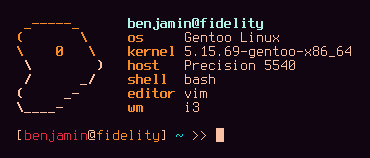
Output of pfetch on my main system, 'fidelity'
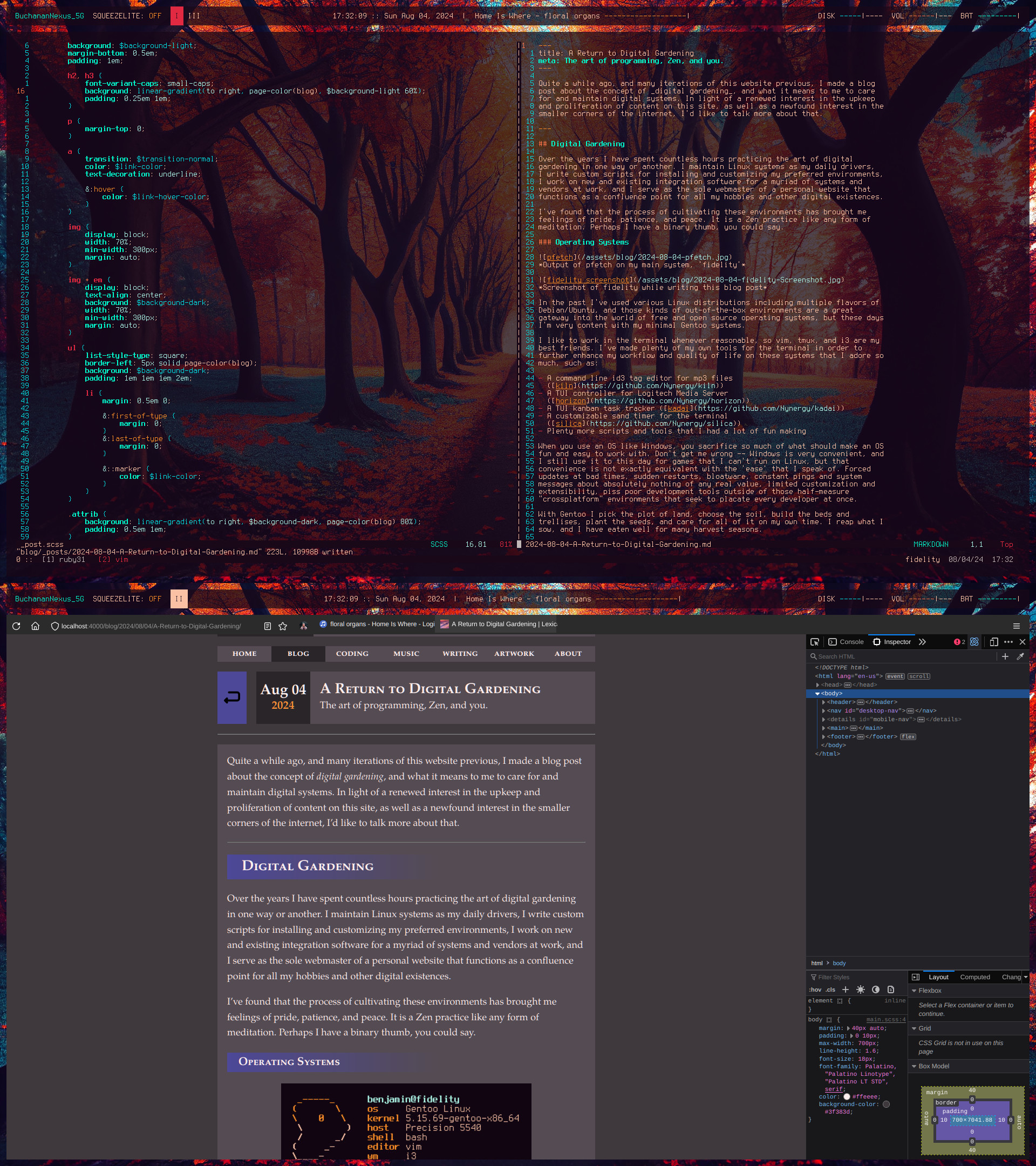
Screenshot of fidelity while writing this blog post

In the past I've used various Linux distributions including multiple flavors of Debian/Ubuntu, and those kinds of out-of-the-box environments are a great gateway into the world of free and open source operating systems, but these days I'm very content with my minimal Gentoo systems.

I like to work in the terminal whenever reasonable, so vim, tmux, and i3 are my best friends. I've made plenty of my own tools for the terminal in order to further enhance my workflow and quality of life on these systems that I adore so much, such as:

  • A command line id3 tag editor for mp3 files (kiln)
  • A TUI controller for Logitech Media Server (horizon)
  • A TUI kanban task tracker (kadai)
  • A customizable sand timer for the terminal (silica)
  • Plenty more scripts and tools that I had a lot of fun making

When you use an OS like Windows, you sacrifice so much of what should make an OS fun and easy to work with. Don't get me wrong -- Windows is very convenient, and I still use it to this day for games that I can't run on Linux, but that convenience is not exactly equivalent with the 'ease' that I speak of. Forced updates at bad times, sudden restarts, bloatware, constant pings and system messages about absolutely nothing of any real value, limited customization and extensibility, piss poor development tools outside of those half-measure "crossplatform" environments that seek to placate every developer at once.

With Gentoo I pick the plot of land, choose the soil, build the beds and trellises, plant the seeds, and care for all of it on my own time. I reap what I sow, and I have eaten well for many harvest seasons.

Scripts

With a system as minimal and extensible as Gentoo, I've gone out of my way to add and customize many things to suit my needs, much of it set up or controlled by a suite of bash scripts.

I've got scripts that:

  • Manage system-wide color schemes on the fly
  • Mount remote drives and attached devices
  • Add custom information to polybar
  • Manage system controls with dmenu
  • Open VPN connections
  • Present slideshows in the terminal
  • Run music clients that query my home music server
  • ...and more!

These bash scripts and other configuration files need to be wrangled and managed in some sane manner, so I copied some ideas from this repo when deciding on what kind of infrastructure should handle this task. Everything is organized according to this structure, checked against shellcheck, and tailored toward my personal system in a way that allows for easy post-installation configuration when I spin up a new Gentoo box.

For work, things are a bit different. I still use Gentoo on my work machine, but the scripts that I'm working with aren't always mine. Even the ones that are fully mine have to contend with outside influences on style, purpose, language, conventions, etc.

I work in IT in higher education, so much of what I do is either integrating vendor software into our existing systems, or creating an in-house tool for one of our functional offices. A lot of it is database work, and I'm no SQL wizard, so queries can get a little messier than I would normally be comfortable with in my personal scripts. This is okay; a little bit of messy code here and there is a fact of life, and worrying about it will only keep you from improving as a programmer. That doesn't mean you can write shitty code all willy-nilly, just that you shouldn't be so puritanical about eradicating anything that doesn't meet your impossibly high standards.

I try my best to adhere to the same best practices that I do in my personal scripts, but when things require a different approach at work, I let those requirements guide me instead of my preferences. I still find my work fun and rewarding, so I must be doing something right.

Digital Spaces

When it comes to curating my own digital spaces beyond the foundation of an OS, I've had a history of moving away from social media, and trending toward more personal and intimate forms of self-expression and representation. I abandoned Facebook very quickly after creating my account, and over the years I've done less and less posting on platforms like Instagram and Twitter. Today I really only use them to see what friends are up to, or to follow announcements from various bands that I like. The personal website feels like a much more effective means of expressing who I am over time.

So when I maintain this site, I take it very seriously. I want it to be as good a reflection of my self as possible. I want it to look good, feel good to navigate, contain good content, and leave any visitors with a good impression of me. As a programmer, that also applies to my source code. If anyone wants to trawl through the GitHub repo for this site to see how it works, I want them to walk away feeling like I have done things efficiently, elegantly, and practically. I want them to know how serious I am about what I preach here.

So I like to leverage the power of Jekyll's static site generation with Liquid and YAML, as well as make my front-end life easier with a CSS preprocessor like SASS. I want to make maintaining this site easier for me, because the easier it is, the more likely I'll be to add to it in the future.

And as I've gone through this latest iteration of site overhauls and philosophical questions about why I'm doing this, I've stumbled across many other people who seem to have similar ideas about the current state of social media and the web. So let's talk about the Personal Web.

The Personal Web

I've always had a fascination with digital spaces that you can call your own. Before I made this site I had a stint on the gophernet via the SDF Pubnix System. That was my first foray into a more personal expression of my online presence. For other people, they may have used more visually-expressive mediums like WYSIWYG site builders, or gone totally independent with self-hosted servers. But I think a lot of us did what we did out of a shared sentiment: The web is ugly, slow, and hostile to people like us.

Post-Web 1.0 Disillusionment

With the rise of Web 2.0 around the mid-2000's, the strange and fantastical internet of the late 90's was quickly being replaced with corporate no-man's-lands. Ads multiplied across pages, there was mass proliferation of external applications and complex Javascript, and things began to move to a slower and more inconvenient cloud-based architecture as companies figured out they could make bank in the process.

The era of the Web 1.0 static site was coming to an end. As I got older, I slowly became more and more disillusioned with how slow, bloated, and monotonous the internet had become. It's become a chore to surf the web, which is a damn shame.

Now Web 3.0 is peeking its head over the burning horizon of the future, and the phrase "web technologies" leaves a bad taste in my mouth. I want to see a more personal internet resurface, one that brings people closer together, not isolates them further.

Neocities and Webrings

And so I stumbled upon this recent resurgence of Web 1.0 style personal sites, driven mostly by neocities. I was enthralled when I found this new vast community of people that wanted exactly what I had been yearning for.

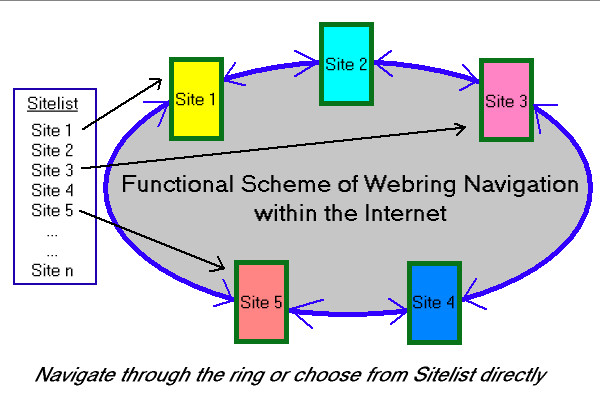
In searching through endless sites plastered with buttons and sparkles and blog posts and artwork and unending creativity, I discovered the revival of a classic Web 1.0 social tool: the Webring.

Diagram of how webrings work, taken from http://www.webringworld.org

Suddenly, the idea of finding a shared community online doesn't seem so far away. Everyone has pasted towering lists of rings on their pages, linking this way and that across an ocean of interests, hobbies, philosophies, and other niches.

You can find a nifty graph of tools and other resources for the personal web here.

The Path Forward

In discovering this wave of "Neo-Web 1.0" interest, it's spawned the very same interest in me. I've already got this site, so I might as well join in on the fun, right?

As of me writing this blog post, I am not currently part of any webrings or online communities of the personal web. But I'm certainly not opposed to the idea of joining one, or even starting my own. It seems that the vast majority of existing webrings are pretty sparse, only boasting 5-10 members, which certainly isn't a bad thing. I suppose I just haven't found a ring that really speaks to me and my perceived community.

Perhaps when you're reading this, you'll notice some webring links on the page, and you'll know that I've found my place in this new-old internet that we so desperately need today. Until then, I'll keep hoping and working toward making that kind of space for myself.

I'll keep practicing my Zen and tending to my garden.

Saying Less

Posted on 2024/07/29

When I was very young, I didn't know how to shut up.

People would constantly have to tell me to stop talking, and eventually I learned my lesson. I started talking less, and decided to expend that boundless energy on creative pursuits. I would hole myself up in my room and invent games, write stories and poetry, draw pictures, explore an endless tide of interests.

Most of those interests have faded into the background, or disappeared entirely. But I do find myself in my mid-twenties still clutching to those primal creative desires to make music, write poetry and prose, and create something interesting and worthwhile. However, recently those desires have not seemed so primal, so urgent.

It used to be that I couldn't help myself from spewing all manner of words into thousands of poems, or composing every melody that got stuck in my head into a song. I would release hours of music a year, or self-publish a collection of poetry at the same steady pace; now it's been months since I've shown any signs of life on my Youtube channel, or written a poem any longer than a Tanka. Past attempts at writing blog posts with any consistent schedule have all inevitably failed.

I alluded to this feeling of silence, or stagnation, in the foreword to my last poetry collection, "Even If I Am Ash", as it was released nearly three whole years after the previous collection. I don't like the feeling of being in this perpetual dry creative season. I find it difficult to scrounge up the motivation to write more than a few lines of poetry at a time, as I feel I simply have less to say without repeating myself. I find it difficult to sit at my desk and make music without struggling to land on a worthwhile idea or sound.

This second case is especially frustrating for me right now, as I'm coming up on a self-imposed deadline to release the next Maps of Low Fidelity album by the end of September. As of the time of writing this blog post, I only have an early version of a single track recorded, and it's the first recorded music I've made in months.

I think part of this problem is the strange sense of dread it creates in me, that I'm slowly drying up creatively, and will soon cease to create anything else worth seeing the light of day.

But I also think this line of reasoning is a bit dramatic, and could use some perspective from the world of reality. I've got more going on in my life now than I ever have in the past, I've got a better grasp of what is worth sharing and what is worth leaving on the cutting room floor, and I've been enjoying the peace of mind that comes with simple -- and wordless -- appreciation of the world around me.

These things forge a creative silence in my life, but what fills that silence is not death, or anything so dramatic. It's life, all that other stuff that goes on outside of my music and poetry. I have a job to do, bills to pay, relationships to tend to, and life skills to acquire and hone.

So here are some ideas I'd like to implement going forward that will hopefully help my mindset when it comes to my creative ventures:

  • Quality > Quantity.
  • Deadlines force creative approaches to solving blockages. Use them to your advantage, not to your mental detriment.
  • Comparison will only destroy motivation. If what you create is true to yourself and resonates with your current situation, then it is good. It is enough.
  • If the process is no longer enjoyable, then change the process. If no process is enjoyable, then perhaps you should think about whether you actually like what you are doing, and whether it is worth your time/effort.
  • Not everything should be intended for other eyes/ears. Some things are just for you, and that's okay. If you go into every fresh idea with the thought that other people will be making judgements against it, then you will never be free enough to create what you want to create.

These are things I want to keep in mind for the future, so that hopefully I can create more things that people will resonate with and enjoy. I want to get back into the habit of having fun making music and poetry. I want to write more blog posts about random interests when the thought arises. I want to feel that same primal creative desire I did when I was 10, and 20, and I want to feel it still when I am 30 and beyond.

Perhaps you can apply some of these thoughts to make something you find compelling as well. Thanks for reading.